Your Google Business Profile description is one of the most underutilized fields in local SEO — and that’s a competitive opportunity you shouldn’t ignore.
Most business owners either leave it blank, copy-paste their homepage tagline, or stuff it with keywords until it reads like a robot wrote it. The result? A description that neither Google nor your potential customers trust.
This guide breaks down exactly how to write a GBP description that signals relevance to Google’s local algorithm, earns clicks from real searchers, and positions your business as the obvious choice in your area.
What Is the Google Business Profile Description — and Does It Affect Rankings?
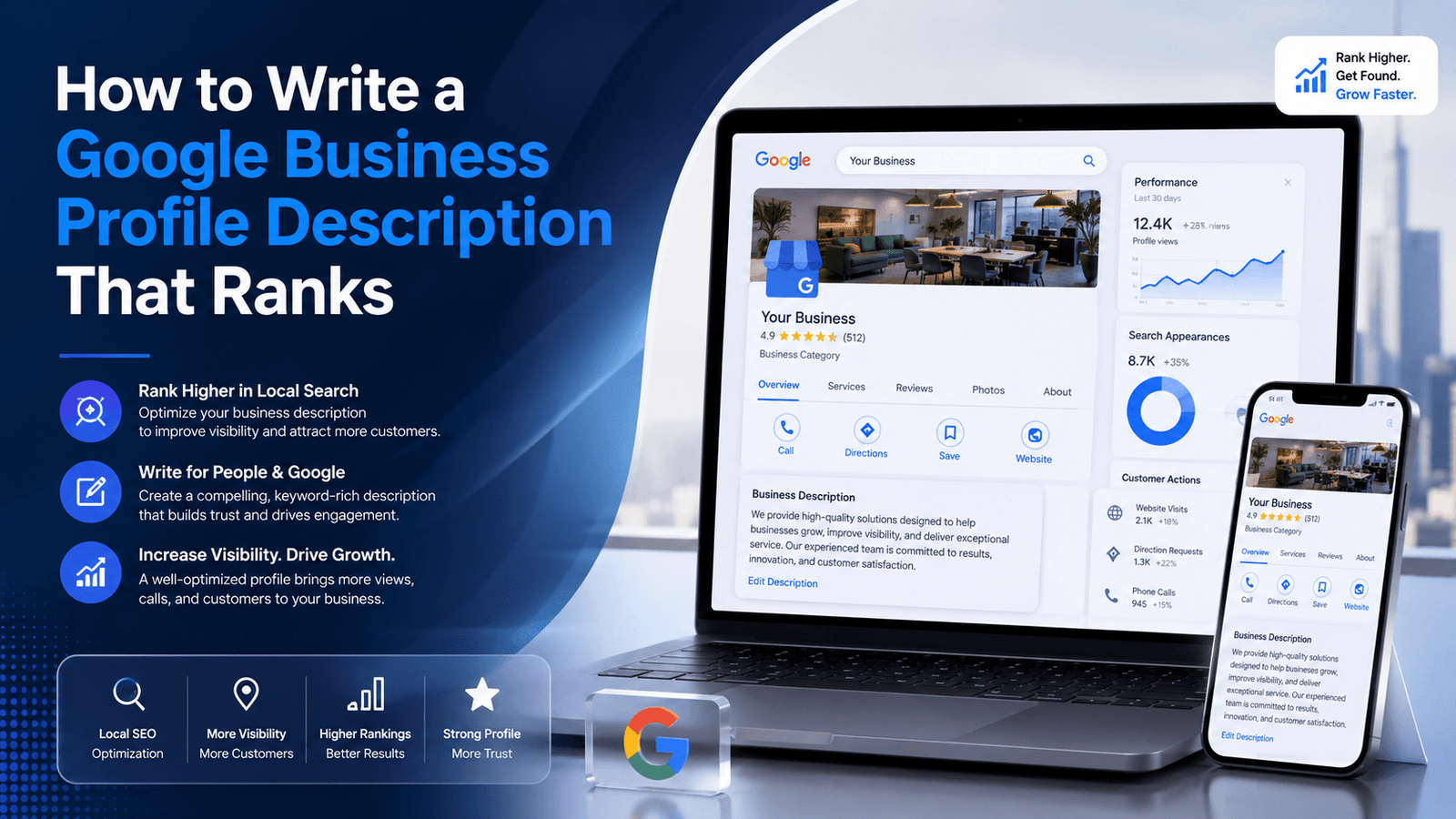
The business description on your Google Business Profile is a short text field (up to 750 characters) that explains what your business does, who it serves, and what makes it different. It appears on your Knowledge Panel in Google Search and on your listing in Google Maps.
There’s a common misconception that the description is purely for user-facing copy and has no bearing on rankings. Google’s own documentation confirms the description is a place to share information about your business — but it stops short of calling it a direct ranking factor.
However, experienced local SEO practitioners (and the data from tools like BrightLocal) consistently show that well-optimized descriptions correlate with stronger local visibility. The mechanism isn’t keyword injection — it’s relevance signaling. When your description accurately and naturally reflects the services people search for, Google has more signals to confidently associate your listing with those queries.
Indirect impact is also real: a compelling description improves click-through rate, which feeds behavioral signals back to Google. A vague or sloppy description costs you both.
The Character Limit Breakdown: What Google Actually Displays
Google allows 750 characters in the description field. However, the visible preview — what someone sees without clicking “more” — is significantly shorter:
| Element | Requirement |
| Total character limit | 750 characters maximum — Google truncates beyond this |
| Visible preview (Maps/Search) | Approximately 200–250 characters before truncation |
| Primary keyword | Must appear naturally in the first 200 characters |
| City/service area | Mention in first 2 sentences if local targeting matters |
| Call to action | One soft CTA near the end (e.g., ‘Schedule a free consultation’) |
| Keyword density | Natural usage — no phrase should repeat more than twice |
| Prohibited content | No URLs, phone numbers, or promotional language (e.g., ‘sale’, ‘discount’) |
The strategic implication: treat the first 200 characters as your headline. Your primary keyword and strongest selling point must appear before the truncation point. Everything after is supporting context.
The 5-Part Framework for a High-Performing GBP Description
Stop thinking of your description as a branding exercise. Think of it as a structured local SEO asset with five components, each doing a specific job.
1. Lead With Your Primary Service + Location
Your first sentence should immediately answer: what do you do, and where? This isn’t the place for a clever tagline. Google and your customers both need to orient quickly.
Example: “Martinez Plumbing is a licensed plumbing contractor serving homeowners and commercial properties across San Antonio, TX.”
This sentence alone communicates service type, license status, customer type, and geography — four relevance signals in one sentence.
2. List Your Core Services Naturally
The second and third sentences should expand on what you specifically do — not in a bullet-list format (the description is prose only), but naturally. This is where you pick up secondary and long-tail keyword coverage.
Example: “We specialize in emergency leak repairs, water heater installation, drain cleaning, and full bathroom remodels. Our team is available 24/7 for urgent calls.”
Notice the keyword density: it’s natural, specific, and readable. No phrase is repeated, but multiple search-relevant service terms are covered.
3. Insert a Differentiation Signal
Why should someone choose you over the four other plumbers listed in the local pack? Your description needs to answer this — briefly. One sentence on what makes your business worth trusting is enough.
Trust signals that work well in descriptions include: years in business, certifications and licenses, awards or recognitions, number of customers served, and service guarantees. Avoid generic phrases like “we’re the best” — those carry zero credibility.
4. Include a Soft Call to Action
End with a directional nudge. You can’t include clickable links in your GBP description, but you can point toward the next step.
Examples: “Contact us today for a free estimate.” / “Call or visit our website to book your appointment.” / “Reach out to see why 900+ Houston families trust us every year.”
5. Stay Within Compliance — Google Has Rules
Google’s content guidelines prohibit certain content in the description field. Violating these can result in your description being rejected or your listing suspended. As Google’s Business Profile Help documents, you must avoid:
- URLs or phone numbers (use the designated fields for those)
- Promotional offers, pricing, or sale language
- Politically, socially, or religiously contentious content
- Profanity, offensive language, or misleading claims
- Content that belongs in other fields (hours, location, category)
Keep the description clean, factual, and focused on who you are and what you do. That’s what the field is designed for.
Industry-Specific Examples: What Good Descriptions Look Like
Generic advice only goes so far. Here are real-world examples across common local business categories — each following the 5-part framework:
| Business Type | Sample Description Opening |
| Law Firm | Our Dallas-based personal injury law firm has recovered over $50M for clients across Texas. We handle car accidents, slip-and-fall cases, and workplace injuries — with no upfront fees. |
| Dental Clinic | Family dental care in Austin, TX — from routine cleanings to same-day emergency appointments. We’re an in-network provider for most major insurance plans. |
| HVAC Company | Licensed HVAC contractor serving Phoenix homeowners since 2009. We install, repair, and maintain all major AC and heating brands with 24/7 emergency response. |
| Restaurant | Authentic Lebanese cuisine in Brooklyn, NY. Family-owned since 1998, we serve hand-rolled shawarma, fresh mezze platters, and house-made baklava — dine in or order online. |
| Real Estate Agent | Certified buyer’s agent specializing in Denver’s Highland and LoHi neighborhoods. With 12 years of local market experience, I help first-time buyers find homes without the stress. |
Notice what every example has in common: geography is specific, services are named, a trust signal is included, and the language is natural. None of them sound like they were written by a keyword tool.
Dos and Don’ts: The Google Business Profile Description Cheat Sheet
| ✅ DO THIS | ❌ AVOID THIS |
| Lead with your primary service + city | Starting with your business name |
| Mention specific services you offer | Generic phrases like “we offer great service” |
| Include a natural call to action | Packing every sentence with keywords |
| Mention a trust signal (years in business, certifications) | Making unverifiable claims (“best in the world”) |
| Vary language naturally across keyword targets | Repeating the exact same keyword phrase 3+ times |
How to Update Your Google Business Profile Description
If you haven’t set or updated your description yet, here’s the process:
- Log in to your Google account and go to your Business Profile via Google Search or Google Maps.
- Click Edit profile.
- Scroll to the Business information section and select the Description field.
- Write or paste your description (750 character maximum).
- Click Save. Changes typically go live within minutes, though manual review can add a short delay.
One important note: Google can and does edit or remove descriptions it considers non-compliant. If your description disappears after saving, it’s almost always a content policy issue. Review the guidelines and try a revised version.
Keyword Strategy for Your GBP Description
Here’s the discipline most local businesses skip: keyword research before writing.
Before you write a single sentence, open Google Search Console (or a keyword tool) and identify 3–5 phrases your customers actually search when they need what you offer. Not brand terms — intent-based service queries like “emergency HVAC repair near me” or “family dentist accepting new patients Austin.”
Then build your description around those terms — naturally, not mechanically. The goal is that when someone reads your description, it should sound like an expert wrote it for a human audience, not a keyword density calculator.
For a deeper understanding of how local intent affects your full GBP strategy, read our guide on Local SEO for Small Businesses.
How the Description Fits Into Your Broader GBP Optimization
The description doesn’t work in isolation. It’s one signal among dozens that Google uses to determine your local pack ranking. The most important context:
- GBP category: Your primary and secondary
- Your review volume and average star rating influence the authority your description supports
- Your business name, category, and description should all tell a consistent story
- NAP consistency (name, address, phone) across the web amplifies what your description states
If you haven’t optimized your core GBP setup yet, start with our complete Google Business Profile optimization guide before tweaking individual fields. The description is powerful — but it’s amplified by everything else on your listing.
Once your description is solid, the next highest-impact lever is your Google Maps ranking signals — particularly proximity, prominence, and category relevance.
A Note on Tracking: How to Know If Your Description Is Working
You won’t find a “description performance” metric in Google’s native tools. But you can proxy the impact:
- Track GBP profile views and website clicks via Google Business Profile Insights before and after updating your description
- Monitor keyword rankings for your target service + location queries in Google Search Console
- Watch for changes in your local pack appearance frequency
If you’re using Google Analytics 4, you can also set up channel grouping to isolate traffic arriving from organic local searches, giving you a cleaner signal of how your GBP optimization is translating into site visits.
Common Mistakes That Kill GBP Description Performance
After reviewing hundreds of local business profiles, these are the patterns that consistently undermine description effectiveness:
- Writing the description last (or never):
Treated as optional by most businesses — which is exactly why it’s an opportunity for you.
- Using the same description as your homepage About section:
Your GBP description needs to be optimized for local search intent, not general brand storytelling.
- Ignoring location specificity:
“We serve clients nationwide” is useless for local SEO. Name your city, neighborhood, or service area.
- Updating it once and forgetting it:
Review your description every 6 months. Services change, your strongest differentiators evolve, and the keywords people use shift.
- Keyword stuffing in the first sentence:
“Best plumber plumbing services plumber Austin TX plumbing company” reads as spam — to Google and to every human who sees it.
Frequently Asked Questions
Does the Google Business Profile description directly affect my local ranking?
Not as a direct algorithmic ranking factor, but indirectly. A well-written description improves relevance signals and click-through behavior, both of which influence how Google evaluates your listing. Treat it as a supporting optimization, not a magic lever.
Can I include my website URL in the description?
No. Google’s content policy explicitly prohibits URLs in the description field. Your website URL should be entered in the designated website field on your profile.
How often should I update my GBP description?
At minimum, review it twice a year. Update it whenever your service offerings change significantly, when you open a new location or expand your service area, or when you identify a keyword opportunity you’re currently missing.
What happens if my description gets rejected?
Google will revert to whatever was previously saved (or leave the field blank if it’s your first submission). Review the Business Profile content guidelines, identify what triggered the rejection — most commonly it’s a URL, phone number, or promotional language — and resubmit a revised version.
Is there a difference between the ‘business description’ and the ‘from the business’ section?
Yes. The description you manage in Edit Profile → Business Information is your primary GBP description. The “From the business” section that sometimes appears in reviews is auto-generated from your description. They’re connected — which is another reason to keep your description clear and well-written.

No responses yet