
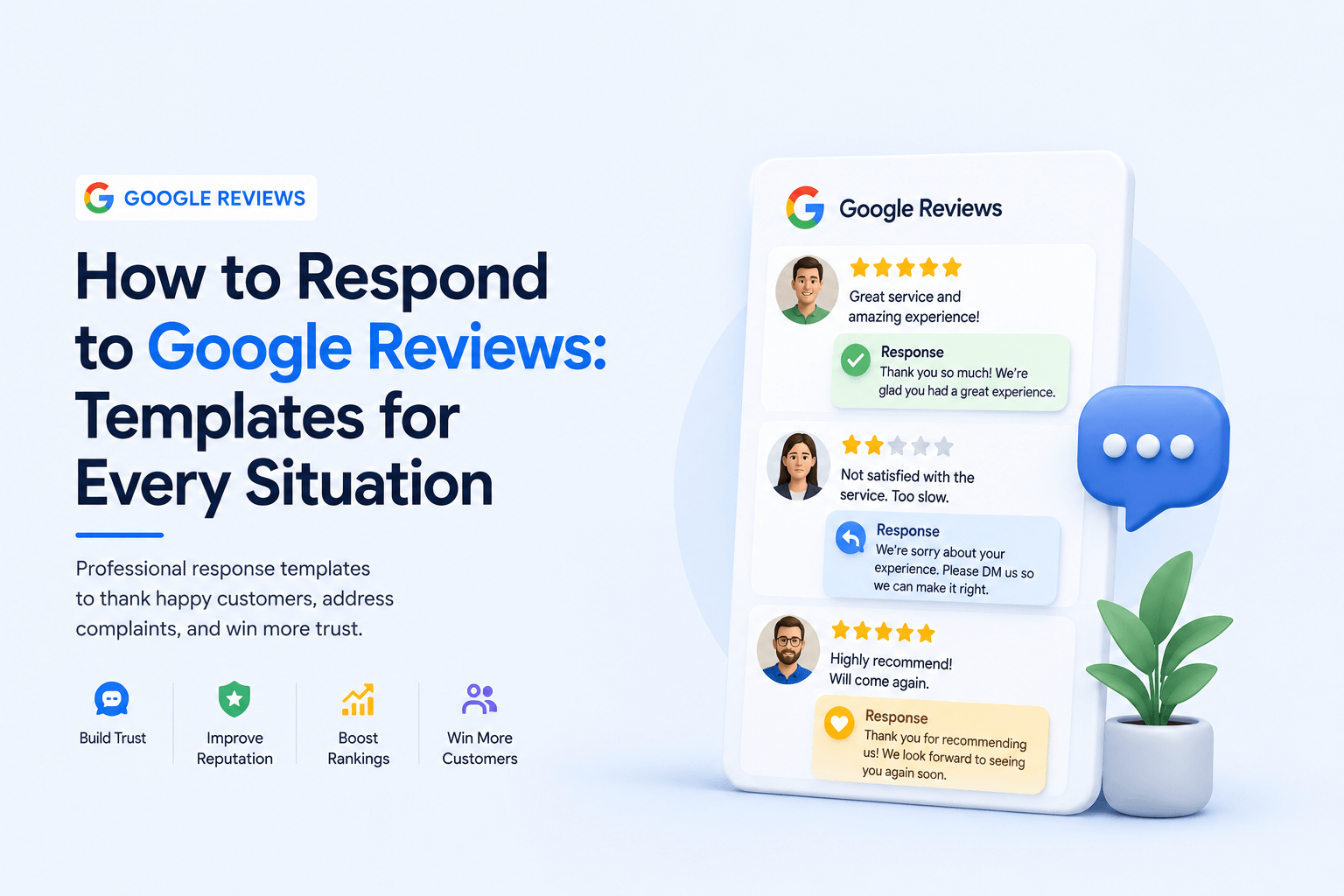
How to respond to Google reviews is a skill most business owners underestimate until a difficult review lands publicly on their Business Profile. At that point, the wrong response — or no response at all — can cause more reputational damage than the negative review itself. And the right response? It can convert a skeptical reader into a paying customer.
Response management sits at the intersection of reputation management, EEAT signalling (Experience, Expertise, Authoritativeness, Trustworthiness), and conversion optimisation. Every response you write is visible to every future customer who reads that review. It’s not a private conversation — it’s a public demonstration of how your business operates under pressure and at its best.
This guide covers the response strategy, the psychological principles behind effective replies, and gives you copy-paste-ready templates for positive reviews, critical reviews, fake reviews, and every edge case in between. Pair this with a solid review generation system and you have a complete reputation management engine.
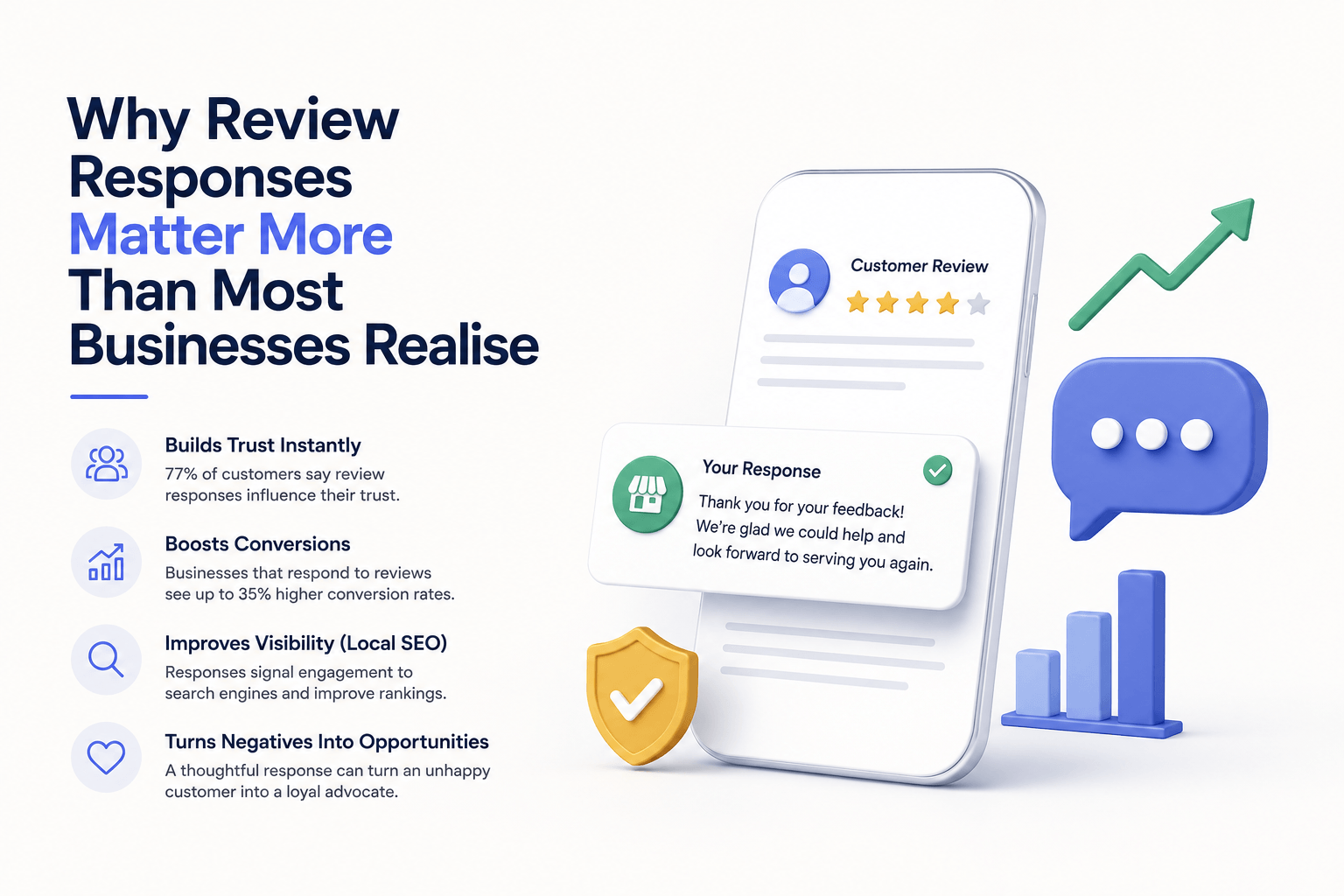
Why Review Responses Matter More Than Most Businesses Realise
Before we get into the templates, you need to understand the mechanism behind why responses drive business outcomes — because if you understand the why, you’ll write better responses naturally.
1. Future Customers Read Your Responses, Not Just the Reviews
Research from BrightLocal’s Consumer Review Survey consistently shows that over 88% of consumers read business responses to reviews. When a prospective customer is evaluating your business, they’re not just reading what past customers said — they’re reading how you handled it. A thoughtful response to a 2-star review can outperform a generic ‘thanks!’ reply to a 5-star one in terms of trust signalling.
2. Responses Signal Active Management to Google’s Algorithm
Google’s local search algorithm incorporates engagement signals from your Business Profile. A Business Profile where the owner consistently responds to reviews signals active, legitimate business management — the same category of signal as posting GBP updates and keeping hours accurate. This feeds into the prominence component of the local ranking framework, which directly influences your position in the Local Pack and Maps results.
3. Your Response Adds Indexable, Keyword-Rich Content
Google indexes the content of review responses alongside the review text itself. When you mention your service name, your location, and specific benefits in a response, you’re adding semantic context to your Business Profile — effectively expanding its topical footprint without any additional content creation effort. This is a widely underused on-page optimisation lever that most competitors completely ignore.
4. Responses Reduce the Reputational Damage of Negative Reviews
A negative review with no response looks like an admission of guilt. A negative review with a professional, empathetic, solution-oriented response looks like a business with high standards that takes customer service seriously. The response doesn’t change the star rating — but it completely changes how the review reads to future customers.
The 5 Principles of High-Quality Review Responses
Before the templates, here are the five principles every response should embody — regardless of whether the review is positive, negative, or somewhere in between.
| Principle | What It Means in Practice |
| Personalise | Use the reviewer’s name. Reference their specific experience. Never copy-paste the same reply twice. |
| Be Concise | Responses should be 3–5 sentences for positive reviews, 5–8 for negative ones. Longer is not more professional — it signals defensiveness. |
| Stay Professional | No sarcasm, no counter-accusations, no revealing private customer information. Even if the reviewer is wrong, your response sets the tone for everyone reading. |
| Add Keyword Value | Naturally weave your core service and location into the response. ‘We’re glad you chose our [service] in [city]’ adds local SEO signal without keyword stuffing. |
| Respond Within 48 Hours | Response velocity signals active management. Set up Google Business Profile notifications so you’re alerted immediately when a new review arrives. |
Have you problem with reviews optimization and management
Let’s connect to an expert.
Click a button below to talk or chat with us
How to Respond to Positive Google Reviews — Templates Included
Positive review responses are an opportunity most businesses waste with a generic ‘Thank you for the 5 stars!’ Instead, treat each positive review as a chance to reinforce your brand voice, add keyword context, and demonstrate to prospective customers what makes your service worth choosing.
Template 1 — Standard 5-Star Response
📋 Situation: General 5-star review, no specific detail
“Hi [Name], thank you so much — this genuinely made our day. We work hard to make sure every [service type] experience feels seamless from start to finish, so it means a lot to hear that came through for you. We look forward to working with you again soon.”
Template 2 — When the Reviewer Mentions a Specific Team Member
📋 Situation: Customer calls out a specific employee by name
“Hi [Name], thank you for the kind words — and for calling out [Employee Name] specifically. We are really proud of the team here, and it is wonderful when that comes through in the experience. We will make sure [Employee Name] sees this. Come back and see us anytime.”
Template 3 — When the Reviewer Mentions a Specific Service
📋 Situation: Customer reviews a specific service or product
“Hi [Name], so glad to hear your [specific service] experience hit the mark. That is exactly the standard we hold ourselves to with every client. If you ever want to explore [related service], we would love to help. Thanks again for taking the time to leave a review.”
Template 4 — Responding to a Long, Detailed Positive Review
📋 Situation: Customer left a thorough, detailed review — deserves a more substantive reply
“Hi [Name], we genuinely appreciate you taking the time to write this out in such detail. Reviews like yours help other [location] residents know what to expect from us — so thank you for that. [Reference one specific thing they mentioned]. It is great to have clients like you, and we look forward to continuing to earn your trust.”
How to Respond to Negative Google Reviews — Templates Included
Negative review responses are where most businesses fail — either by ignoring the review entirely, getting defensive, or writing a response that makes things worse. The HEARD framework (Hear, Empathise, Apologise, Resolve, Diagnose) is widely used in customer service training and translates directly into review response best practice. You don’t need to use every element in every response, but it provides a useful structure.
⚠️ What to NEVER Do in a Negative Review Response
• Argue with the reviewer or challenge their account publicly
• Reveal private details about the customer (order information, conversations, complaints history)
• Offer a refund or resolution publicly — move resolution offline
• Use legal or threatening language
• Copy-paste the same generic apology to every negative review
• Respond when emotionally activated — wait, draft, review before posting
Template 5 — 1-Star Review With No Explanation
📋 Situation: Customer leaves a 1 or 2-star rating with no written content
“Hi [Name], we are sorry to see this rating — we clearly did not meet your expectations, and that matters to us. We would genuinely like to understand what went wrong so we can make it right. Please reach out to us directly at [email/phone] and we will prioritise this for you.”
Template 6 — Negative Review With Specific Complaint (Service Issue)
📋 Situation: Customer describes a specific negative experience with your service or product
“Hi [Name], thank you for taking the time to share this, even though we are sorry it was not the experience you deserved. What you have described is not the standard we set for ourselves, and we want to make this right. Please contact us directly at [email/phone] so we can address this properly. We appreciate the feedback — it helps us improve.”
Template 7 — Negative Review With Partially Valid and Partially Inaccurate Claims
📋 Situation: The reviewer has a real grievance but also includes factually incorrect statements
“Hi [Name], we appreciate you sharing your experience. We are sorry the [specific element] did not meet your expectations — that feedback is valid and we are taking it on board. We would like to clarify a couple of points directly with you to ensure we have the full picture. Please reach out at [email/phone] — we value getting this resolved properly.”
Note: Do not correct the inaccuracies publicly in detail. Address the valid part, acknowledge the issue, and move the conversation offline.
Template 8 — Negative Review After Dispute or Refund Was Already Issued
📋 Situation: Customer left a negative review after the issue was already resolved
“Hi [Name], we are sorry to see this — especially given that we worked together to resolve this directly. We always aim to handle issues fully and fairly, and we believe we did so in your case. We remain available if there is anything further we can do. We wish you well.”
Note: Do not detail the resolution publicly. Keep it brief, factual, and professional.
How to Respond to Fake or Spam Google Reviews
Fake reviews — whether from a competitor, a bot, or a mistaken identity — are an increasing problem for local businesses. Knowing how to respond to Google reviews that appear fabricated requires a different approach: calm, clear, and documentable. Your response is less about convincing the fake reviewer and more about signalling to real prospective customers reading the exchange that something is off with this review.
Template 9 — Review From Someone Who Was Never a Customer
📋 Situation: You have no record of this person as a customer; review appears fabricated or misdirected
“Hi [Name], we have checked our records thoroughly and we are unable to find any record of a visit, appointment, or transaction associated with your name. We take every review seriously, so if there has been a case of mistaken identity, we would genuinely like to sort this out. Please contact us at [email/phone]. If this review is not related to our business, we respectfully ask that it be reconsidered.”
Action: After posting this response, flag the review in your GBP dashboard under ‘Report review’ with reason: ‘Not a customer / spam / off-topic.’
Template 10 — Competitor or Targeted Fake Review Attack
📋 Situation: Multiple suspicious reviews arrive in a short window with no customer history
“Hi [Name], we are unable to locate any record of your experience with our business. We are committed to genuine customer feedback and take the authenticity of our reviews seriously. We have reported this review to Google for investigation. If this is a genuine experience with our business, please reach out to us directly at [email/phone] so we can address it.”
Action: Screenshot all suspicious reviews with timestamps. Submit a bulk report via Google Business Profile support. Document via Google’s review management channel if the attack is coordinated.
Responding to Mixed Reviews (3-Star and 4-Star)
Three and four-star reviews are often ignored because they don’t feel urgent — they’re not glowing endorsements, but they’re not damaging either. This is a mistake. Mixed reviews represent customers who were close to being fully satisfied, and a well-crafted response can convert their lingering ambivalence into genuine loyalty. They’re also highly visible to prospective customers assessing how your business handles nuanced feedback.
Template 11 — 4-Star Review (Almost Perfect, Minor Criticism)
📋 Situation: Mostly positive review with a minor criticism noted
“Hi [Name], thank you for the kind words and for being honest about the [specific area of feedback]. We really appreciate that kind of constructive input — it is how we keep improving. We hope to have the opportunity to make your next experience a full five-star one. Thank you for choosing us.”
Template 12 — 3-Star Review (Neutral, No Specific Feedback)
📋 Situation: 3-star review with minimal detail — hard to respond to specifically
“Hi [Name], thank you for taking the time to leave a review. We would love to understand more about what we could have done better for you. If you are open to sharing more detail, please reach out at [email/phone] — we are always looking to improve, and your experience matters to us.”
Industry-Specific Response Considerations
Certain industries require additional care when responding to reviews due to privacy regulations, professional standards, or reputational sensitivity. If your business falls into one of these categories, your review responses need to be calibrated accordingly — particularly around what you can and cannot confirm publicly.
| Industry | Key Constraint | Response Adjustment |
| Healthcare / Medical | Cannot confirm patient relationship (HIPAA / data privacy) | Never acknowledge the person as a patient. Respond generically: ‘We take all feedback seriously and invite you to contact us directly.’ |
| Legal Services | Client confidentiality and professional conduct rules | No case details. Invite private contact. Keep response formal and brief. |
| Financial Services | Cannot discuss account details publicly | Acknowledge the review without confirming any financial relationship. Direct to private contact immediately. |
| Hospitality / Restaurants | High review volume; tone needs to stay warm and human | Responses can be slightly more casual. Reference specific menu items or team members when mentioned. |
| E-Commerce / Retail | Order and fulfilment details often referenced | Acknowledge the order issue without posting order numbers or personal data. Direct to support channel. |
Building a Response Management System — Not Just Ad Hoc Replies
Responding to reviews consistently at scale requires a system, not just goodwill. As your review velocity grows and your Business Profile accumulates more reviews, ad hoc responses become unmanageable. Here’s how to build a scalable response workflow:
🔄 Review Response Workflow — 5-Step System
Step 1 — Notification Setup: Enable GBP email notifications for every new review so nothing slips through unnoticed.
Step 2 — Triage: Categorise each review on arrival — positive, negative, mixed, or suspicious. This determines which template bank you pull from.
Step 3 — Personalise: Take your base template and edit it to reference the reviewer’s name and at least one specific detail from their review.
Step 4 — Keyword Layer: Add one natural mention of your core service and location where it fits grammatically — not forced.
Step 5 — Escalation Protocol: Define which review types escalate to a senior team member or owner before being posted — typically anything 2-star or below, or anything involving a legal/safety claim.
For agencies managing multiple client profiles, or franchise businesses managing reviews across locations, review response management tools such as Birdeye, Podium, or Google Business Profile Manager allow centralised response management across multiple profiles from one dashboard. Centralisation prevents the common failure point of location managers ignoring their review queues.
Review response management also plugs directly into your broader content marketing strategy — the language your customers use in reviews reveals exactly how they describe your service, which informs keyword strategy, FAQ content, and service page copywriting.
Review Response Quality Checklist
- Reviewer’s first name used in the opening
- Response references at least one specific detail from the review
- Service name or location mentioned naturally (keyword layer)
- Response length appropriate: 3–5 sentences (positive), 5–8 (negative)
- No private customer data revealed in response
- Negative responses offer offline resolution with contact details
- Fake/spam reviews flagged in GBP dashboard after responding
- Response posted within 48 hours of review appearing
- Response reviewed by second person before posting (for negative reviews)
- Industry-specific privacy rules applied where relevant
Frequently Asked Questions
Q1: Should I respond to every single Google review, or just the negative ones?
Respond to all of them. Responding only to negative reviews signals damage control. Responding consistently to all reviews — positive, mixed, and negative — signals active management and genuine customer care. It also gives you more opportunities to add keyword-rich content to your Business Profile.
Q2: Can I edit my response to a Google review after I post it?
Yes. You can edit or delete your own responses at any time through your Google Business Profile dashboard. The reviewer and anyone reading the profile will see the updated response. If you posted a response in anger or made an error, fix it immediately — edit history is not shown to the public.
Q3: How long should a Google review response be?
For positive reviews: 3–5 sentences is the sweet spot. Long enough to feel genuine, short enough to stay readable. For negative reviews: 5–8 sentences — enough to acknowledge the issue, demonstrate professionalism, and offer a path to resolution. Anything longer tends to come across as defensive. Anything shorter can feel dismissive. The templates in this guide are calibrated to these lengths.
Q4: Does responding to reviews affect my Google Maps ranking?
Indirectly, yes. Google’s local ranking algorithm uses prominence signals, and active Business Profile management — including review responses — contributes to how Google perceives your engagement level. More practically, businesses with consistent response patterns tend to maintain higher review submission rates from customers, which directly impacts prominence scoring through review velocity.
Q5: What should I do if a negative review is from a competitor?
Follow Template 9 or 10 from this guide: respond calmly, note that you have no record of the person as a customer, and flag the review to Google for investigation. Do not accuse the reviewer of being a competitor publicly — even if you strongly suspect it. Keep the response factual and professionally neutral. Document everything with screenshots and timestamps in case escalation is needed through Google’s review support process.
Q6: Can I ask a reviewer to change or remove their review after I respond?
You can ask, but you cannot incentivise them to do so — that would violate Google’s review policies. If you’ve resolved a complaint privately and the customer is satisfied, it’s entirely appropriate to let them know their review can be updated if they feel things have been made right. Many customers will update willingly once a resolution has occurred. Never pressure, never incentivise.
Q7: Should I use keywords in every review response?
Not forcibly. The principle is to add keyword context where it fits naturally. If the reviewer mentioned your service or location, echo it back. If they didn’t, don’t contort the response just to insert a keyword. Unnatural keyword placement in responses looks spammy to human readers, which matters more than the marginal SEO benefit of forcing it in.

No responses yet