
How to get more Google reviews is one of the most searched questions among local business owners right now — and for good reason. Google reviews are the single most visible trust signal on a Business Profile, directly influencing click-through rates, local pack rankings, and purchase decisions before a prospect ever visits your website.
But here’s where most businesses stumble: they either do nothing and hope reviews roll in naturally, or they push so hard for reviews that they cross into territory Google explicitly prohibits. The result is either a thin review profile or a suspended Business Profile — neither of which helps you grow.
This guide breaks down a compliant, repeatable review generation system you can implement immediately. You’ll understand exactly what Google’s review policies allow, which acquisition channels work in 2026, and how to build a sustainable velocity of authentic reviews that strengthen your local SEO strategy over time.
Why Google Reviews Are a Ranking Signal — Not Just Social Proof
Before diving into tactics, you need to understand why reviews matter structurally. Google’s local ranking algorithm weights three primary signals: relevance, distance, and prominence. Reviews — their quantity, recency, rating, and keyword content — feed directly into the prominence score.
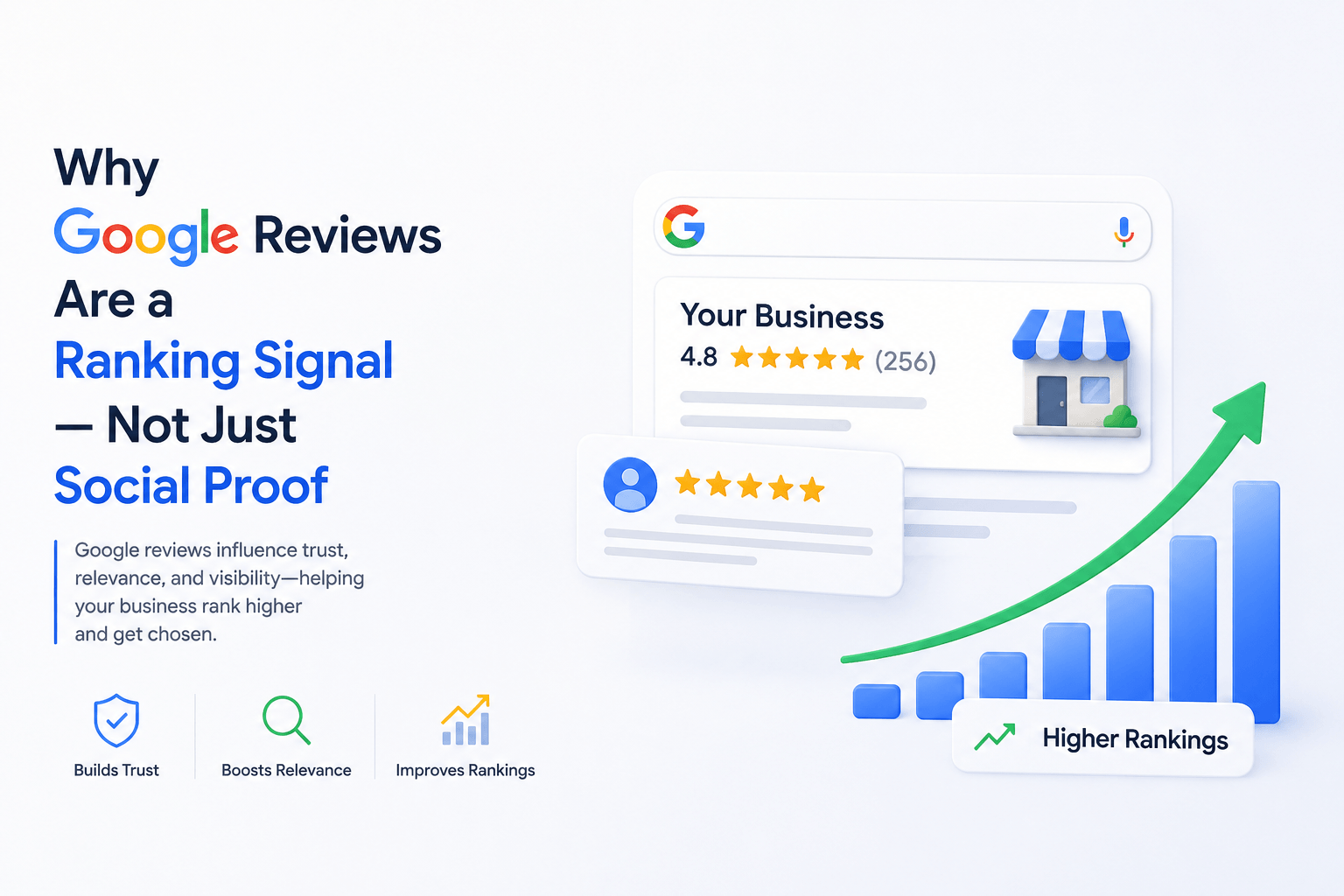
Beyond the ranking mechanism, consider what happens at the SERP level. A Business Profile with 4.7 stars and 380 reviews pulls significantly more clicks than one with 4.8 stars and 12 reviews. Review count and recency signal ongoing business activity. Review content generates keyword co-occurrence that reinforces your topical relevance for local queries.
The practical implication: reviews are both a ranking input and a conversion multiplier. A business working systematically on review acquisition compounds both effects simultaneously.
| Review Signal | Local Ranking Impact | User Behavior Impact |
| Review Count | Increases prominence score | Higher perceived credibility |
| Star Rating | Minor direct ranking effect | Strong CTR driver above 4.0 |
| Review Recency | Signals active, operating business | Recent reviews reassure new buyers |
| Review Keywords | Co-occurrence boosts topical relevance | Validates specific service claims |
| Owner Responses | Indirect engagement signal | Demonstrates active management |
If you want to optimize your Google My Business (GMB) Profile and want to get back your deserve sale
Let’s connect.
Click a button below to talk or chat with us
What Google’s Review Policy Actually Prohibits
Most businesses that face review-related penalties didn’t intentionally set out to manipulate Google — they just didn’t read the guidelines carefully enough. Before deploying any review strategy, you need a clear picture of what constitutes a policy violation.
Google’s prohibited and restricted content policy for reviews is explicit on several points:
Google Review Policy Violations — What Gets Businesses Penalized
• Offering incentives (discounts, gifts, cash) in exchange for reviews
• Setting up review stations on business premises where customers leave reviews in bulk
• Soliciting reviews exclusively from customers you know had a positive experience (review gating)
• Paying a third-party service to generate fake reviews
• Asking employees, friends, or family members to leave reviews as customers
• Responding to reviews with keyword-stuffed or promotional language
• Discouraging or blocking negative reviews from being posted
Understanding review gating specifically is critical. Review gating means pre-screening customers — asking ‘Are you satisfied?’ first, and only routing satisfied customers to Google. This feels like smart filtering, but Google treats it as manipulative because it artificially inflates your rating by suppressing negative feedback.
The compliant approach is to ask all customers for an honest review — not a positive one — and let the chips fall. A 4.3-star profile with 200 honest reviews is more defensible and more trusted than a 4.9-star profile with 40 suspicious ones.
The 7 Most Effective Compliant Channels for Getting More Google Reviews
1. The Post-Service Ask — Timing Is Everything
The single highest-conversion review request happens within 24 hours of a positive customer interaction. Memory is fresh, sentiment is high, and the customer has social proof motivation (they want to be seen as someone who found a great business).
Train your team to ask verbally at the moment of completion: ‘We’d really appreciate an honest Google review — it helps other people find us. Would you be open to leaving one?’ Then follow up with a direct link via text or email within the hour.
2. SMS Review Requests — The Highest Open Rate Channel
Email open rates hover around 20–30%. SMS open rates consistently exceed 90%. For brick-and-mortar businesses or service businesses that collect customer phone numbers, a post-service SMS with a direct Google review link is the single most efficient review acquisition channel available.
Keep the message short: your name, one sentence of context, and the direct link. Do not embed the request inside a promotional message. The ask should stand alone.
3. Email Follow-Up Sequences
For businesses with email lists, a transactional follow-up sequence works well. Send one email within 24–48 hours of service completion. Include the customer’s name, a specific reference to the transaction (product purchased, service completed), and a clear CTA to leave a review. A single well-timed email outperforms a drip sequence — you don’t want to train customers to ignore your review requests. For broader email marketing strategy that supports this, ensure your list segmentation separates recent customers from general subscribers.
4. QR Codes at the Point of Service
A table tent, receipt insert, or counter card with a QR code linking directly to your Google review form is frictionless and completely compliant. The customer scans when the moment feels right — no pressure, no filtering. This works particularly well in restaurants, salons, retail, and waiting room environments.
Generate your short Google review link from your Google Business Profile dashboard, convert it to a QR code with any free QR generator, and print it wherever customers naturally look.
5. Review Link in Your Email Signature
Adding a ‘Leave us a Google Review’ link to your email signature puts your review request in front of every customer you email post-service. It’s passive, always-on, and requires zero ongoing effort after the initial setup. Over a 12-month period, this single touchpoint can generate dozens of incremental reviews with no additional cost or time investment.
6. Google Business Profile Posts
Publishing a post on your GBP asking customers to share their experience is a compliant, visible, and free channel. A post that says ‘Your feedback helps us improve and helps others find us — if you’ve worked with us recently, we’d love to hear from you’ with a direct link is entirely within policy. This also adds a layer of GBP content optimization that most competitors skip entirely.
7. Onboarding and Offboarding Touchpoints for Service Businesses
For service businesses — agencies, consultants, contractors — the best review opportunities are at project completion or during onboarding check-ins where sentiment is measurably positive. Build the review ask into your standard off-boarding process: delivery confirmation email, final invoice, or project wrap-up call.
How to Write a Review Request That Actually Gets Responses
Most review requests fail not because customers are unwilling — but because the request is too generic, too long, or asks for too much cognitive effort. Here’s what converts:
| What Kills Conversions | What Drives Conversions |
| ‘Please leave us a review if you have time’ | ‘Your review takes 60 seconds and helps us a lot’ |
| Generic: ‘Let us know what you think’ | Specific: ‘How was your experience with [Service X]?’ |
| No direct link — customer must find your profile | Direct ‘Leave a Review’ link (one tap to review form) |
| Multiple CTAs competing in the same message | One CTA only — review request is the entire focus |
| Sent 2+ weeks after the service | Sent within 24 hours of service completion |
Responding to Reviews: The Part Most Businesses Get Wrong
Review acquisition is only half the system. How you respond to reviews — positive and negative — sends strong EEAT (Experience, Expertise, Authoritativeness, Trustworthiness) signals to both Google and prospective customers reading your profile.
Responding to Positive Reviews
Don’t just say ‘thank you.’ Reference the specific service or product mentioned in the review, and add one genuine sentence that reflects your business values. This shows you’re reading each review individually — not running a copy-paste script. It also adds keyword-rich content to your profile without stuffing.
Responding to Negative Reviews
A negative review responded to professionally is often more trust-building than a positive review with no response. Acknowledge the issue, take responsibility where appropriate, and offer to resolve it offline. Never argue, never get defensive, and never reveal private customer information. Prospective customers read how you handle complaints — your reputation management approach here shapes future purchase decisions as much as the review itself.
Response Velocity
Aim to respond to every review — positive or negative — within 48 hours. Businesses that respond consistently to all reviews tend to see higher review submission rates over time, likely because customers see their feedback is being read and valued.
Building a Sustainable Review Velocity System
A one-time review push produces a one-time spike followed by stagnation. What signals sustained business health — and what Google’s algorithm rewards — is consistent review velocity: steady new reviews arriving week over week, not 50 reviews in one month and zero for the next three. This is closely tied to your broader local SEO for small businesses infrastructure.
Here’s how to systematize it:
🔄 Review Velocity System — 4-Step Implementation
Step 1 — Audit: Count current reviews, calculate your weekly average, and benchmark against your top 3 competitors in the local pack.
Step 2 — Baseline: Deploy your primary request channel (SMS or email) for 30 days. Measure weekly review velocity.
Step 3 — Stack: Add a second channel (QR code, GBP post, email signature). Track which channel contributes most reviews.
Step 4 — Maintain: Set a calendar reminder to check review velocity monthly. If it drops below your baseline for two consecutive weeks, audit whether your request process has broken down.
The goal is not to maximize review count artificially — it’s to build a review acquisition flywheel that naturally mirrors your transaction volume. Businesses generating 40 customer interactions per week should be getting 3–6 new reviews per week if their request system is properly deployed.
Common Mistakes That Slow Down Review Growth
- Waiting for reviews to come in organically — fewer than 5% of customers leave reviews without being asked. A systematic ask is non-negotiable.
- Asking for ‘positive’ reviews — this language constitutes review gating and violates Google’s policy. Always ask for ‘honest’ reviews.
- Using third-party review platforms that incentivize — some platforms offer reward points for leaving reviews. If those reviews funnel to Google, this is a policy violation.
- Ignoring the mobile experience — over 70% of Google review submissions happen on mobile. Test your review link on iOS and Android before deploying it at scale.
- Over-asking the same customer — sending multiple follow-up reminders to customers who haven’t responded creates negative sentiment. One ask, one follow-up maximum.
- Not monitoring for review removals — Google periodically filters reviews it deems suspicious. Track your review count weekly so you catch unusual drops early.
Google Review Acquisition Checklist
- GBP fully verified and category-accurate
- Direct review link generated and tested on mobile
- Post-service SMS/email template written — no incentive language
- QR code printed and placed at point of service
- Review link added to email signature
- Team trained to make verbal ask at service completion
- Response process defined — who responds, within what timeframe
- Weekly review velocity tracked in a simple dashboard or spreadsheet
- Competitor review count benchmarked quarterly
- GBP post published requesting reviews — updated monthly
Frequently Asked Questions
Q1: Can I ask all my customers to leave a Google review, or only recent ones?
You can ask any customer who has had a genuine experience with your business. There’s no time restriction from Google’s side. However, review requests sent too long after the interaction typically see much lower conversion rates — recency of experience is a psychological driver of action.
Q2: How many Google reviews do I need to rank in the local pack?
There’s no fixed number. It depends on your industry and geography. In competitive markets, local pack leaders often have hundreds of reviews. In smaller markets, 30–50 can be enough. What matters more than absolute count is velocity relative to your competitors. Consistently gaining reviews while competitors stagnate is what shifts rankings over time.
Q3: Will a negative review hurt my local pack ranking?
A single negative review rarely causes ranking movement. A sustained pattern of 1-2 star reviews with no responses and no countervailing positive reviews can affect prominence scoring over time. The practical answer: respond professionally to every negative review, and focus on generating enough positive volume that a single bad review represents a statistical minority.
Q4: Can I remove fake or spam reviews from my Google Business Profile?
Yes. Flag the review directly from your GBP dashboard. Google evaluates flagged reviews against its content policies. Removal is not guaranteed, but spam, off-topic, and fake reviews are removed regularly. Supplement this with Google’s review management support channel if a bulk spam attack occurs.
Q5: Does the content of reviews affect my local SEO?
Yes — significantly. Reviews that mention specific services, product names, or location keywords contribute to the keyword co-occurrence signals that Google uses for query relevance. You can ethically influence this by providing a short review prompt (not a script) — for example: ‘If you have a minute, mentioning what service you used and where you’re based helps others searching for similar help.’
Q6: Is it better to have many reviews with lower ratings or fewer reviews with 5 stars?
Volume with honest ratings wins. A 4.2-star profile with 300 reviews outperforms a 5.0 with 15 in almost every user trust study — because a perfect score with few reviews reads as suspicious. Focus on acquisition volume over rating management.
Q7: Can I use a reputation management software to automate review requests?
Yes, provided the software sends review requests to all customers (not pre-filtered ones) and does not offer incentives. Platforms like Birdeye, Podium, or NiceJob are compliant when configured correctly. The key is that automation handles delivery and timing, not selection. Selecting only happy customers to receive the request is review gating regardless of whether it’s done manually or automated.

No responses yet