
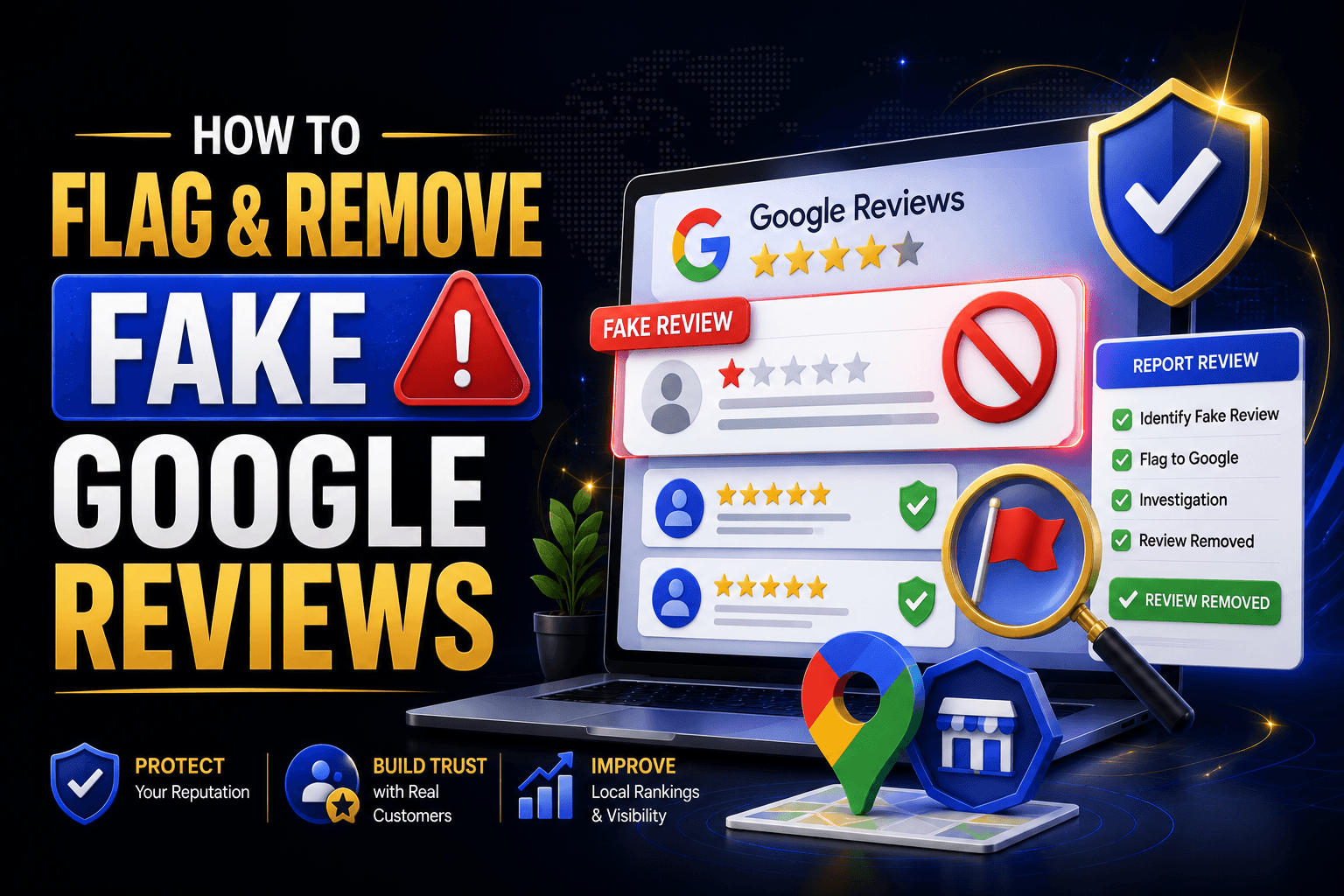
Remove fake Google reviews before they quietly erode your star rating, distort your prominence score, and mislead the exact customers you worked hardest to earn. A single fabricated one-star review can undo months of legitimate review velocity, and Google will not remove it automatically — you have to build a case, flag it correctly, and escalate through the right channel. This guide walks through the entire removal workflow, from spotting the fake to getting Google’s support team to act on it.
Why Fake Google Reviews Damage More Than Your Star Rating
Fake reviews don’t just drag down your average rating — they interfere with the trust signals Google’s algorithm uses to evaluate your Business Profile. Review content feeds directly into EEAT signalling for local entities, and a spike of low-quality or coordinated reviews can distort your prominence scoring in the Local Pack. Left unaddressed, fake reviews can also shrink your Share of Local Voice against competitors who maintain a clean, authentic review profile.
This is why review authenticity matters as much as review volume. A business with fewer but genuinely earned reviews often outperforms a competitor with a larger but suspicious review footprint, because Google’s spam-detection systems are increasingly tuned to flag unnatural review velocity and posting patterns.
Have you problem with reviews optimization and management
Let’s connect to an expert.
Click a button below to talk or chat with us
How to Identify a Fake Review Before You Report It
Google rejects flagging requests that lack clear justification, so identifying genuine red flags before you report is essential. Reviewers and support agents look for specific authenticity signals rather than simply taking your word for it.
| Fake Review Red Flags | Genuine Review Signals |
| No record of a transaction, visit, or service | References a specific product, service, or staff interaction |
| Generic, templated language repeated across profiles | Uses natural, specific, sometimes imperfect phrasing |
| Posted in a sudden cluster (review bombing pattern) | Arrives organically, spaced over time |
| Reviewer profile has no history or only 1-star reviews across unrelated businesses | Reviewer has a diverse, dated review history |
| Mentions a competitor by name or reads like a smear | Focused on the actual customer experience |
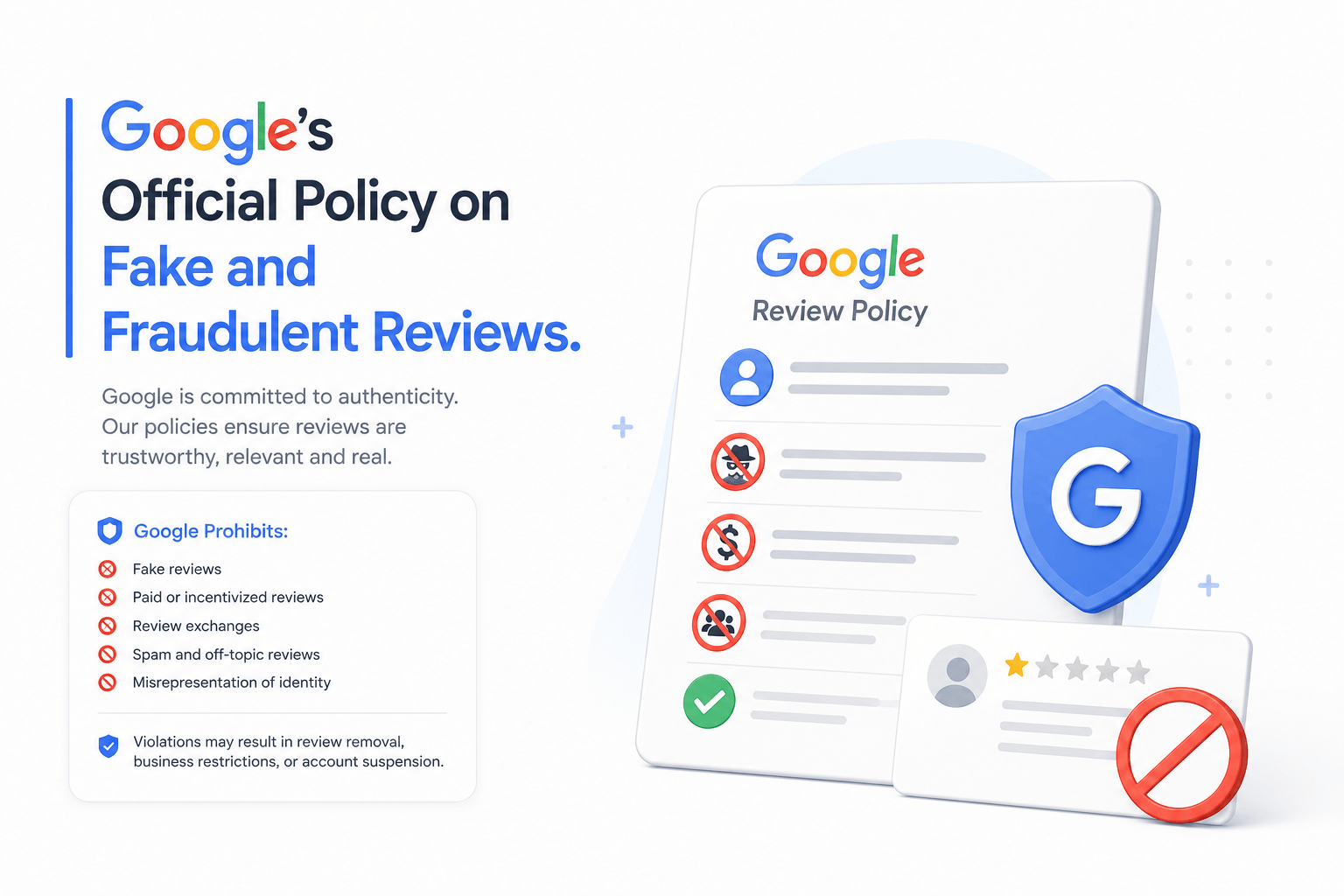
Google’s Official Policy on Fake and Fraudulent Reviews
Google explicitly prohibits fake engagement, including reviews posted by someone with no genuine experience with the business, as outlined in Google’s prohibited and restricted content policies. Any review that violates this policy — spam, conflict of interest, or off-topic content — is eligible for removal once flagged and verified.
Step-by-Step: How to Flag and Remove Fake Google Reviews
Once you’ve confirmed a review meets Google’s removal criteria, follow this sequence. Skipping steps — especially the evidence step — is the single biggest reason removal requests get rejected.
- Locate the review inside your Google Business Profile dashboard under the Reviews tab.
- Click the three-dot menu next to the review and select ‘Flag as inappropriate.’ This submits it to Google’s automated moderation queue.
- Document evidence immediately: screenshot the review, timestamp it, and note why it violates policy (no transaction record, policy violation, competitor mention, etc.).
- If the automated flag doesn’t resolve it within 3–5 business days, escalate through Google Business Profile support chat or the Small Business Advocate program.
- For reviews containing defamatory or legally actionable claims, submit a legal removal request through Google’s legal help process, attaching your documentation.
- After removal, monitor review velocity for 30 days to confirm no retaliatory or duplicate fake reviews reappear.
| Copy-Paste Template: Review Removal Justification “This review violates Google’s policy on fake engagement. We have no record of this individual as a customer, client, or visitor. The review contains [generic language / no verifiable transaction / a competitor reference] consistent with fraudulent posting activity. We request removal under Google’s prohibited content guidelines.” |
What to Do If Google Won’t Remove the Review
Not every flagged review gets removed on the first attempt — Google’s moderation queue is conservative by design. If your initial flag is rejected, don’t abandon the process.
- Reply publicly and professionally; a calm, factual response protects your EEAT signalling even if the review stays up.
- Re-submit through Google Business Profile support chat with additional documentation.
- Escalate through the Google Business Profile Community forum, where Product Experts can sometimes intervene on stalled cases.
- For repeated or coordinated fake review campaigns, request a manual investigation by citing evidence of review bombing patterns.
Preventing Fake Reviews From Recurring
Removal is reactive; prevention protects your topical footprint long-term. Strengthening the fundamentals of your Business Profile makes it harder for fake reviews to gain traction and easier for Google to distinguish genuine activity from manipulation.
- Maintain strict NAP consistency across directories so your profile reads as a coherent, trustworthy entity.
- Implement LocalBusiness schema (JSON-LD) so search engines can verify structured, accurate business data.
- Encourage steady, organic review velocity instead of review gating or incentivized bursts, which can itself trigger spam detection.
- Set up review monitoring alerts so you can flag suspicious activity within hours, not weeks.
Fake Review Removal Checklist
- Confirmed the review has no matching transaction or service record
- Screenshotted and timestamped the review as evidence
- Flagged the review as inappropriate inside Google Business Profile
- Drafted a policy-specific justification (not a generic complaint)
- Escalated to Business Profile support if unresolved after 5 business days
- Filed a legal removal request for defamatory claims, if applicable
- Responded professionally to the review while the flag is under review
- Monitored review velocity for 30 days post-removal
Frequently Asked Questions
How long does it take to remove fake Google reviews?
Straightforward policy violations are often resolved within 3–5 business days after flagging. Escalated or legally contested cases can take several weeks.
Can I remove fake Google reviews myself as a business owner?
You cannot delete a review directly, but you can flag it, respond publicly, and escalate through Google Business Profile support until it’s reviewed and, if it violates policy, removed.
Does responding to a fake review help or hurt my ranking?
A calm, factual public response protects your EEAT signalling and reassures future customers, even while the removal request is pending.
What counts as a legitimate reason to remove fake Google reviews?
Google removes reviews for fake engagement, conflict of interest, off-topic content, spam, or defamatory claims — not simply because a review is negative.
Will flagging too many reviews hurt my Business Profile?
No, as long as flags are accurate. Google’s spam detection distinguishes legitimate policy-based flags from abuse of the reporting system.
Can competitors post fake negative reviews to hurt my ranking?
Yes, this is a known abuse pattern. Document any competitor mention or review-bombing pattern as part of your removal evidence.
What’s the fastest way to escalate a stuck review removal request?
Use Google Business Profile’s live support chat and reference your original flag ticket, then follow up through the Business Profile Community forum if it remains unresolved.

No responses yet