
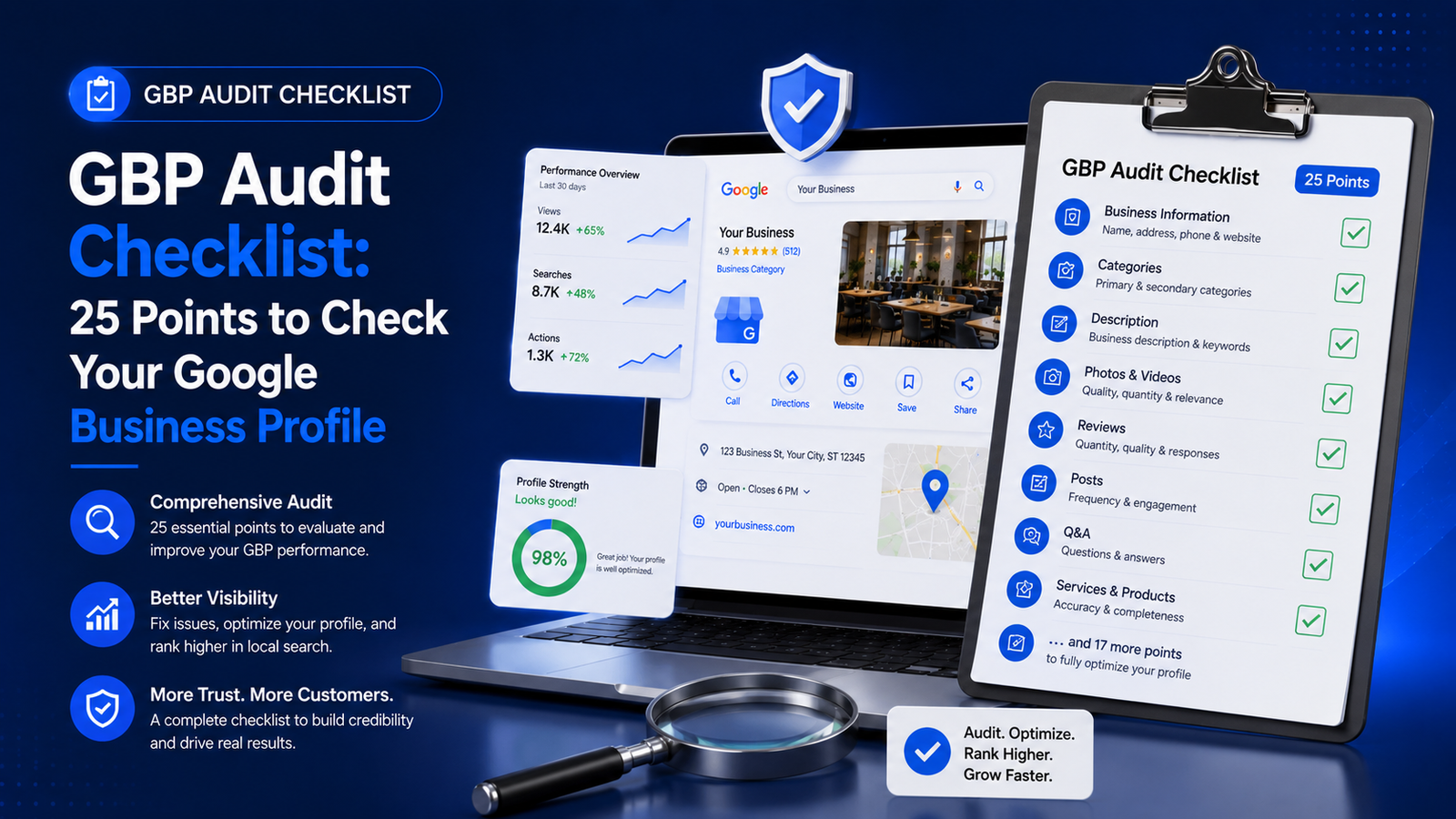
Running a GBP audit checklist is the single fastest way to find out why your Google Business Profile isn’t ranking as high as it should — or why competitors are showing up in the Local Pack while you’re buried below them. Most GBP issues aren’t complicated. They’re gaps. A missing category. An outdated business hour. A product section left blank. An unverified attribute that Google quietly deprioritizes.
This guide walks you through 25 specific checkpoints across every section of your Google Business Profile. Each one maps to a real ranking factor or trust signal. By the time you finish, you’ll have a clear picture of what’s working, what’s broken, and what needs immediate attention.
If you’re new to the platform, it helps to first read our complete guide on Google Business Profile optimization before diving into the audit. If you’re already managing an active profile, let’s get straight into the checklist.
What Is a GBP Audit and Why Does It Matter?
A GBP audit is a structured review of every element of your Google Business Profile — from the basics like your business name and address to more advanced elements like Q&A responses, product listings, and photo quality. The goal is to identify what’s incomplete, inconsistent, or underoptimized.
Google uses your profile data to decide whether to rank you in the Local Pack, Google Maps, and organic local results. When your profile has gaps, Google fills them in — often incorrectly — or simply deprioritizes your listing in favor of a competitor who has taken the time to complete their profile fully.
A good audit also surfaces trust signals that affect user behavior. A profile with no photos, outdated hours, and no reviews doesn’t just rank poorly — it also drives visitors away. Conversion starts at the profile level, before anyone clicks to your website.
Regular audits — at minimum quarterly — are part of any serious local SEO strategy. They ensure your profile stays accurate as your business evolves and that you’re taking full advantage of new features Google adds to the platform.

Want to audit your Google Business Profile? Let’s connect with the expert.
Click the buttons below to Talk OR Chat to the expert
GBP Audit Checklist at a Glance
Here’s a quick-reference summary of all 25 checkpoints, organized by section. Use this table to track your audit progress and spot priority gaps at a glance.
| # | Checkpoint | Section | Priority |
| 1 | Business Name Accuracy | Business Info | Critical |
| 2 | Address & Service Area Accuracy | Business Info | Critical |
| 3 | Phone Number Consistency | Business Info | Critical |
| 4 | Website URL & UTM Tracking | Business Info | High |
| 5 | Primary Category Selection | Categories | Critical |
| 6 | Secondary Categories | Categories | High |
| 7 | Business Description Quality | Description | High |
| 8 | Opening Date | Business Info | Medium |
| 9 | Business Hours (Including Holidays) | Hours | Critical |
| 10 | Attributes Completeness | Attributes | High |
| 11 | Products Section | Products/Services | High |
| 12 | Services Section | Products/Services | High |
| 13 | Cover Photo Quality | Photos | Critical |
| 14 | Photo Volume and Freshness | Photos | High |
| 15 | Logo Upload | Photos | High |
| 16 | Review Count & Average Rating | Reviews | Critical |
| 17 | Response Rate to Reviews | Reviews | Critical |
| 18 | Negative Review Handling | Reviews | High |
| 19 | Q&A Section — Questions Seeded | Q&A | High |
| 20 | Q&A Section — Responses Complete | Q&A | High |
| 21 | Google Posts Activity | Posts | Medium |
| 22 | Post CTA Usage | Posts | Medium |
| 23 | Verification Status | Verification | Critical |
| 24 | Profile Completeness Score | Overall | Critical |
| 25 | NAP Consistency Across Web | Off-Profile | Critical |
Section 1: Business Information (Checkpoints 1–5)
Your business information is the foundation of your Google Business Profile. Errors here don’t just hurt rankings — they confuse potential customers and signal inconsistency to Google’s local algorithm.
Checkpoint 1: Business Name Accuracy
Your business name in GBP must match your real-world business name exactly. Do not include city names, keywords, or marketing phrases in the name field. Google explicitly prohibits keyword stuffing in business names and regularly suspends profiles that violate this rule.
Check: Does your GBP name match your storefront signage, invoices, and website header exactly?
Checkpoint 2: Address and Service Area Accuracy
For brick-and-mortar businesses, confirm your address is accurate down to the suite or unit number. For service-area businesses, ensure you’ve hidden your address (if you don’t receive customers at your location) and have defined your service regions correctly.
Mismatched addresses are one of the most common causes of local ranking inconsistency. Even a difference between ‘St.’ and ‘Street’ can cause citation conflicts that suppress rankings.
Checkpoint 3: Phone Number Consistency
Your primary phone number should be a local number — not a toll-free number — wherever possible. Local numbers reinforce geographic relevance. The number you list on GBP must match what appears on your website, directory listings, and social profiles. This is a core component of NAP (Name, Address, Phone) consistency.
Checkpoint 4: Website URL and UTM Tracking
Confirm the website URL in your profile leads to the most relevant page — not just the homepage. A plumber serving three cities should ideally link to a local landing page, not a generic homepage. Consider adding UTM parameters to track GBP-driven traffic in Google Analytics 4.
Example UTM format: ?utm_source=google&utm_medium=organic&utm_campaign=gbp
Checkpoint 5: Primary Category Selection
Your primary category is the single most important ranking signal in your GBP. Google uses it to determine which searches your profile appears for. Choose the most specific, accurate category — not the broadest one.
For reference, Google maintains a list of available GBP categories that is updated regularly. Review the official Google Business Profile Help documentation to find the most accurate category match for your business type.
Section 2: Categories, Description & Attributes (Checkpoints 6–10)
Checkpoint 6: Secondary Categories
Most businesses qualify for between two and five secondary categories. These expand the search queries your profile can appear for. A dental clinic, for example, might list Cosmetic Dentist, Emergency Dental Service, and Pediatric Dentist as secondary categories alongside their primary Dentist category.
Avoid adding irrelevant categories. Google cross-references your categories with your website content and reviews. Mismatched categories create topical confusion and can suppress your ranking for all of them.
Checkpoint 7: Business Description Quality
Your GBP description allows up to 750 characters. Most businesses waste this space with generic promotional language. Your description should naturally include your primary keyword, the services you offer, and the locations you serve — all without sounding like it was written for a bot.
For a deep-dive on writing descriptions that actually help rankings, see our guide on how to write a Google Business Profile description that ranks.
Checkpoint 8: Opening Date
The opening date field is small but meaningful. Google factors business longevity into its trust signals. A business that has been operating for several years has an authority signal that a newly listed business doesn’t. Ensure your opening date is accurate and reflects when your business actually began operating.
Checkpoint 9: Business Hours Including Holiday Hours
Outdated business hours are one of the fastest ways to lose customer trust. A potential customer who calls during what they think are your open hours — and reaches no one — is unlikely to return.
Update your hours immediately when they change. Use Google’s special hours feature for holidays, vacations, and temporary closures. Google actively notifies searchers when a business has ‘More hours than usual’ or ‘Closed’ on a specific day, which affects click-through rates directly.
Checkpoint 10: Attributes Completeness
Attributes are the checkbox-style signals in your profile: ‘Women-owned’, ‘Wheelchair accessible entrance’, ‘Free Wi-Fi’, ‘Outdoor seating’, ‘LGBTQ+ friendly’, and dozens more depending on your category. Some attributes are self-declared; others come from Google’s own data or customer feedback.
Check every available attribute for your category and fill out everything that applies. These signals influence both ranking and conversion — searchers actively filter by accessibility features, payment options, and service type before visiting.
Section 3: Products and Services (Checkpoints 11–12)
Checkpoint 11: Products Section
The Products section allows you to showcase individual items with photos, descriptions, prices, and direct CTAs. Many businesses either leave this blank or add just one or two items. A fully built-out products section increases time on profile, drives clicks, and adds keyword-rich content directly to your listing.
Each product description is an opportunity to include natural keyword variations related to your offer. For a full breakdown of when to use Products versus Services, see our article: Google Business Profile Products vs Services: What to Use.
Checkpoint 12: Services Section
The Services section is especially important for service-based businesses. Add every service you offer, organized by category. Google displays services directly in the Local Pack for relevant searches, which means a detailed services section expands the number of queries you can rank for.
Audit your services list and ensure descriptions include location-relevant and category-specific language. A ‘plumbing repair’ service description should mention whether you serve emergency calls, residential clients, commercial properties, and so on.
Section 4: Photos (Checkpoints 13–15)
Google reports that profiles with photos receive significantly more direction requests and website clicks than profiles without. Photos aren’t a nice-to-have — they’re an active ranking and conversion factor.
Checkpoint 13: Cover Photo Quality
Your cover photo is the first visual impression anyone gets of your business. It should be a high-resolution image (minimum 720 x 720 pixels, ideally 1080 x 1080) that clearly represents your brand, product, or location. Avoid stock images. Google and users both respond better to authentic, real-world photos.
Checkpoint 14: Photo Volume and Freshness
Audit the total number of photos and the date of the most recent upload. A profile with 50 photos and the most recent one uploaded three years ago sends a signal of inactivity. Aim to add at least two to four new photos per month — exterior shots, interior shots, team photos, work-in-progress images, and completed project photos all count.
For a full strategy on photo types, sizing, and upload cadence, read our guide on GBP photos: the complete guide to images that drive clicks.
Checkpoint 15: Logo Upload
Many businesses overlook the logo upload. Your logo appears in several places within Google — including knowledge panels, Google Maps pins, and Google reviews. A missing logo makes your profile look unfinished and reduces brand recognition. Upload a clean, square-format logo (PNG with transparent background preferred) at minimum 250 x 250 pixels.
Section 5: Reviews (Checkpoints 16–18)
Reviews are one of the top three local ranking factors according to multiple local SEO studies. They influence both where you rank and whether searchers click on your listing.
Checkpoint 16: Review Count and Average Rating
Compare your review count and average rating against your top three local competitors. If they have 200 reviews and you have 30, that’s a gap you need to close — not with fake reviews (which get penalized), but with a systematic review generation strategy.
Your target rating should be 4.0 or higher. Businesses below 4.0 stars see a measurable drop in click-through rates. Businesses above 4.8 stars — while excellent — can occasionally appear less believable to skeptical searchers. The sweet spot most local SEO data points to is 4.2–4.7.
Checkpoint 17: Response Rate to Reviews
Do you respond to every review — positive and negative? Google has confirmed that responding to reviews helps your profile’s overall health. More practically, every response is visible to future searchers. A business that consistently responds to reviews signals active ownership and customer care.
Check your response rate. If you have reviews with no response older than 30 days, start there. Respond professionally to every one before moving forward.
Checkpoint 18: Negative Review Handling
One or two negative reviews handled professionally often improve conversion rather than hurt it. They show that real customers have interacted with your business and that you take feedback seriously. The audit checkpoint here is not about eliminating negative reviews — it’s about ensuring none are left unaddressed.
If you have a negative review with no response, respond to it now. Acknowledge the experience, offer to resolve the issue offline, and keep your tone professional. Never argue with a reviewer in public.
Section 6: Q&A Section (Checkpoints 19–20)
Checkpoint 19: Questions Seeded
The Q&A section is publicly visible and rarely used strategically by most businesses. This is an opportunity. You can — and should — add your own questions and answer them. Think about what potential customers commonly ask before hiring you or visiting your location.
Seed at least five to ten questions covering: pricing, hours, parking, service area, payment methods, what makes you different, and any frequently misunderstood aspects of your services. Learn how to do this effectively in our guide on how to seed questions in the GBP Q&A section.
Checkpoint 20: Q&A Responses Complete
Check whether any questions in your Q&A section — asked by real users — have gone unanswered. Google allows anyone to answer questions, which means competitors or misinformed users may have already answered on your behalf — potentially incorrectly. Review every Q&A entry, correct any inaccurate answers by submitting your own, and flag any inappropriate content.
Section 7: Google Business Profile Posts (Checkpoints 21–22)
Checkpoint 21: Post Activity
When did you last publish a Google Business Profile post? Posts expire after seven days (for standard updates) or remain live for event and offer posts until the set end date. A profile with no recent posts signals inactivity to both Google and searchers.
Audit your post history. If there are no posts in the last 30 days, that’s a gap. Aim for at least one to two posts per week. Posts can include promotions, news, service spotlights, how-to content, or local event announcements. For strategy details, read our guide on how to use GBP posts to drive traffic.
Checkpoint 22: CTA Usage in Posts
Every GBP post supports a call-to-action button: Book, Order Online, Learn More, Sign Up, Get Offer, or Call Now. Many businesses publish posts but never add a CTA — leaving easy clicks on the table.
Review your last ten posts. How many included a CTA? If the answer is fewer than seven, update your post template to always include a CTA button with a relevant destination URL.
Section 8: Verification, Profile Completeness & NAP (Checkpoints 23–25)
Checkpoint 23: Verification Status
An unverified Google Business Profile cannot rank in the Local Pack. This is non-negotiable. Confirm your profile shows as verified in your GBP dashboard. If it’s showing as ‘Pending’ or unverified, resolve this before anything else on this checklist matters.
If you’re unsure how to verify your profile or need to reverify after a change, see our comprehensive guide on how to verify your Google Business Profile.
Checkpoint 24: Overall Profile Completeness
Google’s own dashboard shows a profile strength indicator. While this metric isn’t a direct ranking factor, it’s a useful proxy for how much information you’ve provided. A complete profile — one where every available field is filled in — consistently outperforms incomplete profiles in head-to-head local ranking comparisons.
Log into your GBP dashboard and look for any prompts asking you to add missing information. Address each one in order of the priority levels outlined in the audit table above.
Checkpoint 25: NAP Consistency Across the Web
This final checkpoint goes beyond your GBP profile itself. NAP consistency — your business Name, Address, and Phone number appearing identically across all online directories, social profiles, review sites, and citation sources — is a foundational local SEO signal.
Search for your business name across Google, Yelp, Facebook, Apple Maps, Bing Places, and major industry directories. Any inconsistency in how your address or phone number is listed creates conflicting signals that suppress local rankings. Use a citation audit tool or manually search and correct each inconsistency.
How to Score Your GBP Audit
Use this scoring framework to quantify your profile’s current state and track improvement over time.
| Score | What It Means | Next Action |
| 22–25 points | Strong, well-optimized profile | Monitor monthly; focus on reviews and posts |
| 17–21 points | Good foundation with visible gaps | Address Critical items within 7 days |
| 12–16 points | Moderate profile needing significant work | Prioritize business info and verification |
| Below 12 points | Underperforming; missing major elements | Full rebuild: start from checkpoint 1 |
How Often Should You Run a GBP Audit?
The frequency of your GBP audit should reflect the pace at which your business changes and the competition in your local market.
| Audit Frequency | Best For | Focus Areas |
| Monthly | High-competition local markets | Posts, reviews, photos, new features |
| Quarterly | Established businesses in moderate markets | Full 25-point checklist review |
| After any business change | All businesses | Hours, address, services, phone |
| After Google algorithm updates | All businesses | Categories, attributes, content quality |
Common GBP Audit Mistakes to Avoid
Most GBP audits fail not because businesses don’t have the information — but because they check the wrong things or stop too early. Here are the most common mistakes.
- Auditing without benchmarking. Your profile doesn’t exist in isolation. Always compare your audit results against your top three local competitors on the same checkpoints. Gaps only matter relative to what your competition has achieved.
- Fixing low-priority items first. It’s tempting to start with photos or posts because they’re easy to update. But if your primary category is wrong or your profile is unverified, no amount of photo uploads will move your ranking.
- Not monitoring after the audit. Google regularly updates GBP features, adds new category options, and changes how attributes work. An audit is a snapshot, not a permanent state. Schedule your next audit before you close the current one.
- Ignoring the Q&A section. This is the most consistently overlooked section in most GBP audits. It’s also one of the easiest to improve quickly — and it directly influences what information appears in your listing for high-intent searches.
- Treating NAP as an afterthought. Your GBP is one node in a larger citation graph. Inconsistencies off-profile suppress your ranking on-profile. The last checkpoint in this audit often has the highest return-on-effort for businesses operating in competitive local markets.
5 Expert Tips to Get More From Your GBP Audit
- Use competitor profiles as your benchmark. Open the top three GBP profiles ranking above you for your primary keyword. Audit them using the same 25-point checklist. Identify where they score higher and close those gaps first.
- Screenshot before making changes. Take screenshots of your current profile state before the audit. This creates a baseline you can reference when measuring improvement in Google Search Console local impression data or third-party rank trackers.
- Set a 48-hour completion target. Don’t let the audit stretch over multiple weeks. Schedule two focused sessions — one to identify all gaps, one to fix them — and complete both within 48 hours while the context is fresh.
- Add the audit to your content calendar. Block time for quarterly audits as a repeating event in your calendar. Treating the GBP audit as a scheduled system rather than a reactive task is what separates consistently high-ranking local businesses from those that fluctuate.
- Document your changes in a log. Keep a simple spreadsheet that records what you changed, when, and what the ranking position was before and after. Over time, this data reveals which optimizations have the highest impact for your specific market and category.
Frequently Asked Questions
(Schema-ready FAQ — 7 questions)
1. What is a GBP audit checklist?
A GBP audit checklist is a structured list of checkpoints that covers every major element of your Google Business Profile. It helps you identify incomplete fields, inconsistencies, and underoptimized sections that may be suppressing your local search rankings.
2. How long does a GBP audit take?
A thorough GBP audit using a 25-point checklist typically takes between 60 and 90 minutes for a single business location. The first audit takes longer because you’re establishing your baseline. Subsequent audits — done quarterly — usually take 30 to 45 minutes once the initial gaps have been fixed.
3. How often should I audit my Google Business Profile?
For most businesses, a full audit once per quarter is sufficient. High-competition local markets may benefit from monthly audits. You should also run a partial audit any time there’s a change in your business — new hours, new services, change of address, or after a Google algorithm update affecting local search.
4. What are the most important GBP audit checkpoints?
The critical checkpoints are: verification status, primary category selection, business name accuracy, NAP consistency, business hours accuracy, and review response rate. These are the elements that most directly affect whether your profile ranks in the Local Pack at all.
5. Can I do a GBP audit myself without tools?
Yes. The 25-point checklist in this guide is entirely manual and requires no paid tools. For the NAP consistency checkpoint, you’ll want to search your business name on Google, Yelp, Apple Maps, and Bing Places — all freely accessible. Paid citation audit tools like BrightLocal or Whitespark can speed up the NAP review if you manage multiple locations.
6. Does completing a GBP audit guarantee better rankings?
Not immediately, but consistently. Fixing gaps in your GBP profile removes the signals that hold your ranking back. Most businesses that complete a thorough audit and fix critical issues see measurable improvements in local impressions within 30 to 60 days, depending on competition and how many issues were resolved.
7. What should I do after completing my GBP audit?
Prioritize your fixes using the Critical → High → Medium framework from this checklist. Complete all critical fixes within 48 hours. Set a reminder for your next quarterly audit. Track your ranking positions for your primary local keywords before and 60 days after your audit to measure the impact of your changes.
Conclusion
A GBP audit checklist is not a one-time exercise — it’s a recurring system. Every business that consistently ranks at the top of the Local Pack is doing something most of their competitors aren’t: treating their Google Business Profile as a living asset that requires regular attention, not a static listing that gets set up once and forgotten.
The 25 checkpoints in this guide cover every meaningful element of your profile, from the basics of business information and categories to the often-ignored Q&A section and off-profile NAP consistency. Work through them in order of priority, fix what’s broken, and schedule your next audit before you close this one.
For the next step in your GBP optimization journey, explore how Google Business Profile Posts can turn your profile into an active traffic-generation channel — not just a passive listing in local search results.

No responses yet