
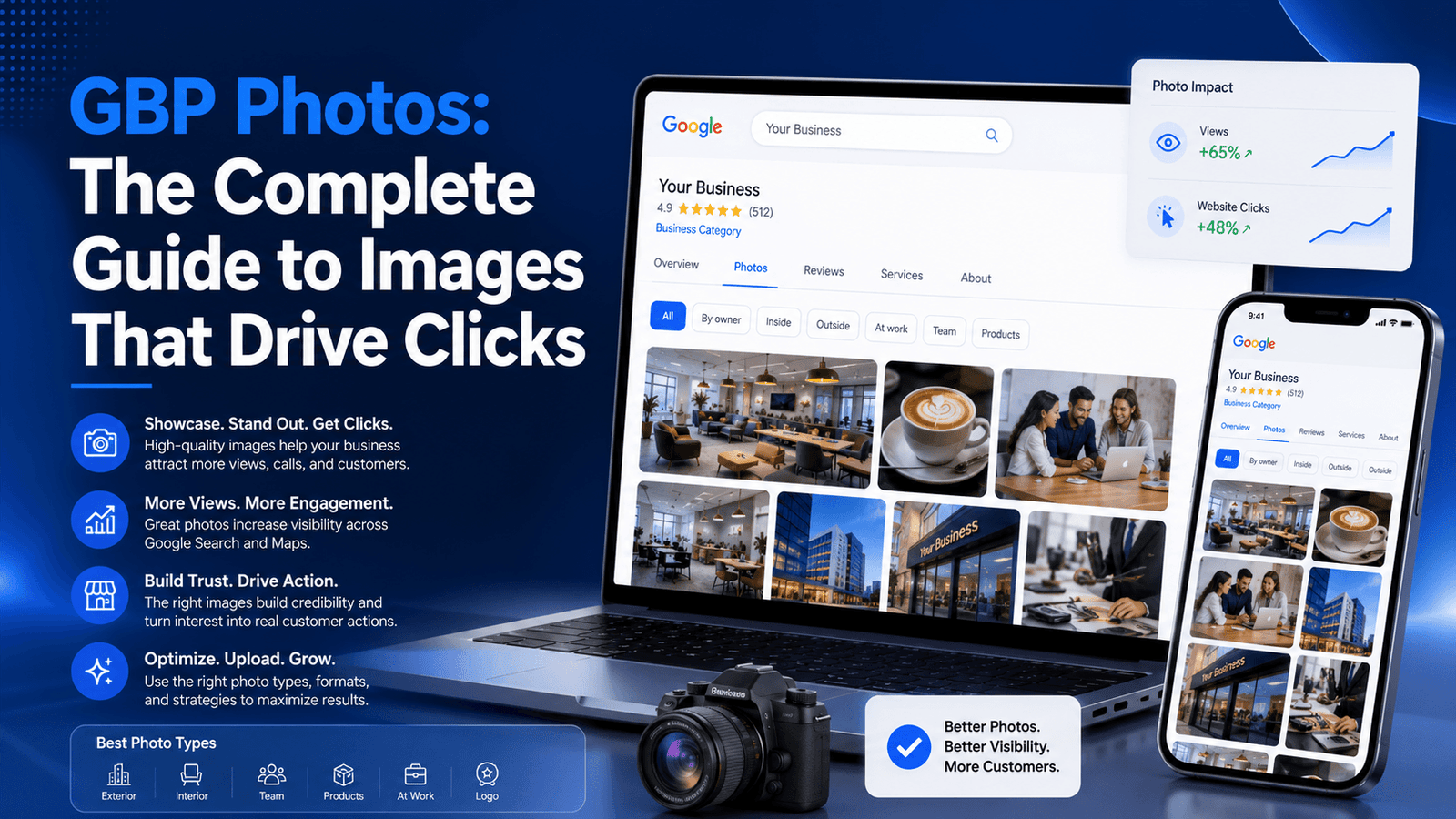
Google business profile photos are one of the most underused ranking and conversion levers in local SEO. Most business owners upload a logo, add a blurry storefront shot, and call it done. Meanwhile, competitors with well-optimized visual content are pulling significantly more profile views, direction requests, and website clicks — all from the same Google Maps results page. If you want your Google Business Profile to do more than just exist, your photo strategy needs to become intentional.
This guide breaks down everything: which photo types matter most, exact upload specs, how photos influence your local pack position, and a repeatable system for keeping your visual content fresh and click-worthy.
Why Google Business Profile Photos Matter More Than Most People Think
Photos are not a cosmetic feature on your GBP. They are a trust signal, an engagement driver, and an indirect ranking factor — all at once.
According to Google’s own research, businesses with photos on their profiles receive 42% more requests for directions and 35% more website click-throughs than businesses without photos. Those are not marginal gains — that’s the difference between a listing that generates leads and one that gets scrolled past.
The mechanism is straightforward. When someone searches for a local business on Google Maps, the first things they see are your name, rating, and photos. A profile with rich, professional imagery immediately signals legitimacy. A profile with no photos — or worse, auto-generated street view imagery — signals the opposite.
Beyond trust, photos also contribute to GBP engagement metrics. Google tracks how users interact with your profile, and an engaging photo gallery keeps visitors on your listing longer. That behavioral signal feeds back into Google’s local ranking algorithm, which rewards active and engaging profiles.
The 7 Types of Google Business Profile Photos (And Which Ones to Prioritize)
Google categorizes GBP photos into distinct types. Each one serves a different function in the buyer’s decision process.
1. Cover Photo
Your cover photo is the hero image — the large visual that appears prominently across your listing. Google may override your selection with a different photo based on what it determines is most engaging, but you should still upload a deliberate, high-quality cover image. Use a wide-format shot (1332 x 750 px minimum) that clearly represents your business location or core offering.
2. Logo
Your logo appears as a circular thumbnail next to your business name in certain display formats. Upload a clean, square version of your logo (at least 250 x 250 px) with a transparent or solid background. Avoid cluttered versions designed for horizontal layouts — they compress poorly at this size.
3. Interior Photos
Interior shots help customers visualize the environment before they arrive. For restaurants, salons, clinics, gyms, and retail stores, interior photography is often the deciding factor. Show the atmosphere, not just the floor plan. Use natural light where possible and capture the experience your customers can expect.
4. Exterior Photos
Exterior photos help customers identify your location. Include shots from multiple angles: the front entrance, signage, parking access, and building landmarks nearby. If your business is in a complex or difficult-to-spot exterior, directional shots reduce friction for first-time visitors.
5. Product Photos
If you sell physical products, upload individual product photos with clean, high-contrast backgrounds. These photos feed directly into Google’s product catalog display features and are especially powerful for e-commerce businesses with a local presence.
6. Team/Staff Photos
Humanizing your business with team photos builds trust — particularly for service businesses where the relationship with a specific person is part of the value. Headshots, team group shots, and candid in-action photos all work well here.
7. Work/Services in Action
For contractors, consultants, medical providers, and service businesses, photos of your work in progress or completed results are among the most persuasive content you can add. A plumber showing finished pipe installations, a landscaper showing before-and-after garden transformations, a dentist showing a clean and modern treatment room — these are conversion-optimized images because they demonstrate capability, not just identity.
| Photo Type | Priority Level | Key Benefit |
| Cover Photo | Critical | First visual impression on listing |
| Logo | Critical | Brand recognition in search results |
| Interior | High | Builds atmosphere trust |
| Exterior | High | Reduces location friction |
| Products | Medium–High | Feeds Google product catalog |
| Team/Staff | Medium | Humanizes brand, builds rapport |
| Work/Services | High | Demonstrates capability and results |
Google Business Profile Photo Specifications: The Technical Requirements
Uploading the wrong file format or undersized images is one of the most common GBP photo mistakes. Google will accept substandard images, but they render poorly — which defeats the purpose entirely.
| Spec | Requirement |
| File Format | JPG or PNG |
| Minimum Size | 720 x 720 px |
| Recommended Size | 1200 x 900 px or larger |
| Cover Photo | 1332 x 750 px (16:9 ratio recommended) |
| Logo | 250 x 250 px minimum; square format |
| Maximum File Size | 5 MB per photo |
| Color Mode | sRGB (not CMYK) |
| Minimum Quality | No heavy compression or blurring |
A note on resolution: Google compresses images on upload, so uploading at twice the minimum size gives you a quality buffer. A 2400 x 1800 px image that gets compressed to display at 1200 x 900 px will still look sharp. An 800 x 600 px image compressed further will look muddy.
Always export images in sRGB color mode. CMYK, which is standard for print production, renders incorrectly on screen and can cause color shifts after upload.
How Google Business Profile Photos Influence Local SEO Rankings
The relationship between GBP photos and local search rankings is indirect but measurable. Google does not have a publicly confirmed “photo ranking factor” in its algorithm. However, photos influence three variables that directly feed into local search ranking signals.
Engagement Metrics
Google tracks user engagement on your profile: photo views, click-throughs to your website, direction requests, and time spent interacting with your listing. A profile with compelling photos generates higher engagement. Higher engagement signals relevance to Google’s algorithm, which rewards actively engaging listings with better visibility in the local pack.
Profile Completeness
Google’s local ranking system rewards complete profiles. A fully built-out GBP — with all photo categories populated, accurate NAP data, business hours, and regular content — ranks more consistently than sparse profiles. Photo completeness is a direct contribution to this.
Recency Signals
Google favors active profiles. A business that uploaded 20 photos two years ago and has added nothing since will be deprioritized versus a competitor who adds 2–3 new photos per month. Recency of photo uploads is a soft signal of business activity, and Google uses activity as a proxy for business vitality.
For a broader view of how these signals compound, see how they connect to your overall Google Business Profile optimization strategy — the pillar guide for this cluster.
The GBP Photo Optimization Checklist
Use this checklist before uploading any photo to your Google Business Profile.
- Resolution: Minimum 1200 x 900 px. Cover photo at 1332 x 750 px.
- Format: JPG or PNG. Never BMP, TIFF, or WebP.
- Color mode: sRGB only.
- File size: Under 5 MB. Compress without visible quality loss using tools like Squoosh or TinyPNG.
- Lighting: Natural or professional lighting. No harsh shadows. No overexposure.
- Subject clarity: The main subject should be immediately identifiable. No blurry or obscured shots.
- No text overlays: Avoid logos, watermarks, or promotional text burned into photos. Google may reject or deprioritize these.
- No stock photography: Only authentic images of your actual business, team, and products.
- Geo-tagging: Some practitioners embed GPS metadata in image EXIF data before upload. While unconfirmed as a ranking factor, it adds another local relevance signal.
- Naming convention: If uploading via Google’s API or tools, use descriptive file names (e.g., “chicago-italian-restaurant-dining-room.jpg”).
How Many Photos Should Your GBP Have?
There is no magic number, but research from BrightLocal’s Local Consumer Review Survey consistently shows that profiles with more photos generate more engagement. A useful benchmark: aim for a minimum of 10–15 photos across all categories when launching or auditing your profile, then add 2–3 photos per month to maintain recency signals.
Prioritize quality over quantity. Twenty excellent, authentic photos outperform one hundred mediocre uploads. Google’s image recognition systems are sophisticated enough to detect low-quality and irrelevant imagery.
| Profile Stage | Photo Volume Target |
| New / Just Claimed | 10–15 photos minimum across all categories |
| Established / Growing | 25–40 photos, refreshed quarterly |
| Authority Profile | 50+ photos, 2–3 new uploads per month |
A Monthly GBP Photo Workflow That Actually Gets Done
Most businesses fail at photo maintenance not because they don’t know its value, but because they lack a system. Here is a simple, repeatable monthly workflow:
- Week 1 — Review: Check your photo view count in GBP Insights. Identify which photos are getting the most views and which categories are thin.
- Week 2 — Capture: Photograph 3–5 new images from your business: a staff moment, a finished project, a product detail, or a seasonal interior shot.
- Week 3 — Optimize and Upload: Compress, resize to spec, and upload to the relevant category. Add a Google Post alongside your upload to compound the activity signal.
- Week 4 — Monitor: Check for any customer-uploaded photos that need flagging (competitor uploads, inaccurate imagery, or low-quality shots that misrepresent your business).
Customer-Uploaded Photos: What You Can (and Cannot) Control
Customers can upload photos to your GBP without your approval. This is both an opportunity and a risk.
Customer photos that are authentic and positive — shots of your food, your team, your products in use — are free marketing and they increase profile engagement. Google tends to surface these prominently in the photo carousel, especially if they attract engagement from other users.
However, you have no direct control over which customer photos appear. You can flag photos that violate Google’s policies (nudity, spam, irrelevant content, competitor activity), but you cannot remove photos simply because you dislike them.
The best counter-strategy is volume and quality from your own uploads. A well-stocked gallery of professional images means your curated photos dominate the carousel, pushing lower-quality customer shots further down the scroll.
Google 360 and Virtual Tours: Are They Worth It?
Google offers 360-degree photos and virtual tours as an advanced feature, most commonly used by restaurants, hotels, retail stores, and hospitality businesses. These are added through Google-certified photographers and appear as an interactive “See Inside” option on your listing.
The investment is significant — typically $200–$500+ for a professional 360 shoot — and the ranking impact is not definitively proven. However, for businesses where interior experience is a primary purchase driver (a restaurant where ambiance matters, a boutique hotel, a luxury retail space), a virtual tour can be a meaningful conversion tool.
For most small businesses, the ROI on 360 virtual tours is lower than investing the same budget into professional photography for your standard photo categories. Prioritize a strong standard gallery first.
Connecting GBP Photos to Your Broader Local SEO Strategy
Photos do not operate in isolation. They are one component of a broader GBP optimization system that includes review management, Google Posts, Q&A management, and citation consistency.
For example, when you run a Google Post featuring a seasonal promotion, pairing it with a newly uploaded photo from that same campaign creates compounding activity signals. Similarly, understanding how Google Maps ranking works gives you the full picture of how photos feed into the proximity, relevance, and prominence signals that determine where you appear in local search results.
Your photo strategy also supports your Google Business Profile review strategy. Customers who visit a visually rich, professional-looking profile are more likely to leave detailed reviews — because a compelling profile sets an expectation of quality that customers then confirm or deny through their experience.
If you are building out GBP optimization for a specific industry — restaurant, medical practice, home services, or legal — the photo priorities shift based on what your customers are actually looking for before they click. The industry-specific GBP guides in this series cover those vertical-specific requirements in depth.
And for the foundational layer connecting all of this, a solid local SEO strategy for small businesses ensures your photo optimization is building on a stable foundation of citation accuracy, on-page signals, and NAP consistency.
Common GBP Photo Mistakes to Avoid
- Uploading stock photos: Google can detect inauthentic imagery. Users notice it immediately. Stock photos undermine trust.
- Ignoring the cover photo: A default or irrelevant cover photo is a wasted first impression on every person who sees your listing.
- Never updating photos: A static photo gallery signals an inactive business. Recency matters both to Google and to potential customers.
- Poor lighting: Dark, shadowy, or blown-out photos look unprofessional regardless of subject matter.
- Uploading screenshots: Screenshots of menus, price lists, or documents should be avoided. Upload original photography.
- Mismatched categories: Upload photos to the correct category. Interior photos uploaded as exterior shots confuse both Google’s categorization and potential customers.
- Ignoring customer photos: A competitor can theoretically upload misleading photos to your profile. Monitor your photo section regularly.
GBP Photos Frequently Asked Questions
Do GBP photos directly improve Google Maps rankings?
Not directly, but photos influence engagement metrics — direction requests, website clicks, and profile views — which are indirect inputs into local ranking signals. More importantly, photos influence whether someone clicks your listing over a competitor’s.
Can I use my iPhone to take GBP photos?
Yes. Modern smartphones produce images more than adequate for GBP requirements. Shoot in natural light, avoid digital zoom, and export at full resolution. A smartphone photo taken well will outperform a mediocre DSLR shot every time.
How long does it take for GBP photos to appear?
Owner-uploaded photos typically appear within a few minutes to a few hours. Customer-uploaded photos may take longer as Google reviews them against its content policies.
Can I delete photos from my GBP?
You can delete photos you uploaded. You cannot delete customer-uploaded photos unless they violate Google’s content policies, in which case you can submit a flag for removal.
Should I geotag my photos before uploading?
Some local SEO practitioners embed GPS metadata into image EXIF data before upload, theorizing it reinforces location relevance. Google has not confirmed this as a ranking signal. The practice is low-effort and potentially beneficial — worth doing if you have the workflow for it.
How many photos is too many?
There is no upper limit where more photos hurts you. The risk is quality dilution. A hundred low-quality photos is worse than twenty excellent ones. Prioritize relevance and quality at every upload.
Final Takeaway: Your GBP Photo Strategy Starts Today
Google business profile photos are not optional decoration. They are one of the highest-ROI actions you can take on your GBP right now — completely free, immediately live, and directly visible to anyone who finds your business on Google Maps.
The businesses dominating local search are not always the largest or the oldest. They are often the most visually present, the most frequently updated, and the most intentionally optimized. A competitor with a professional 40-photo gallery and a monthly upload cadence will out-engage a larger competitor with 5 blurry shots from 2019 every single time.
Build the system, maintain the cadence, and make your listing the one customers want to click.

No responses yet