
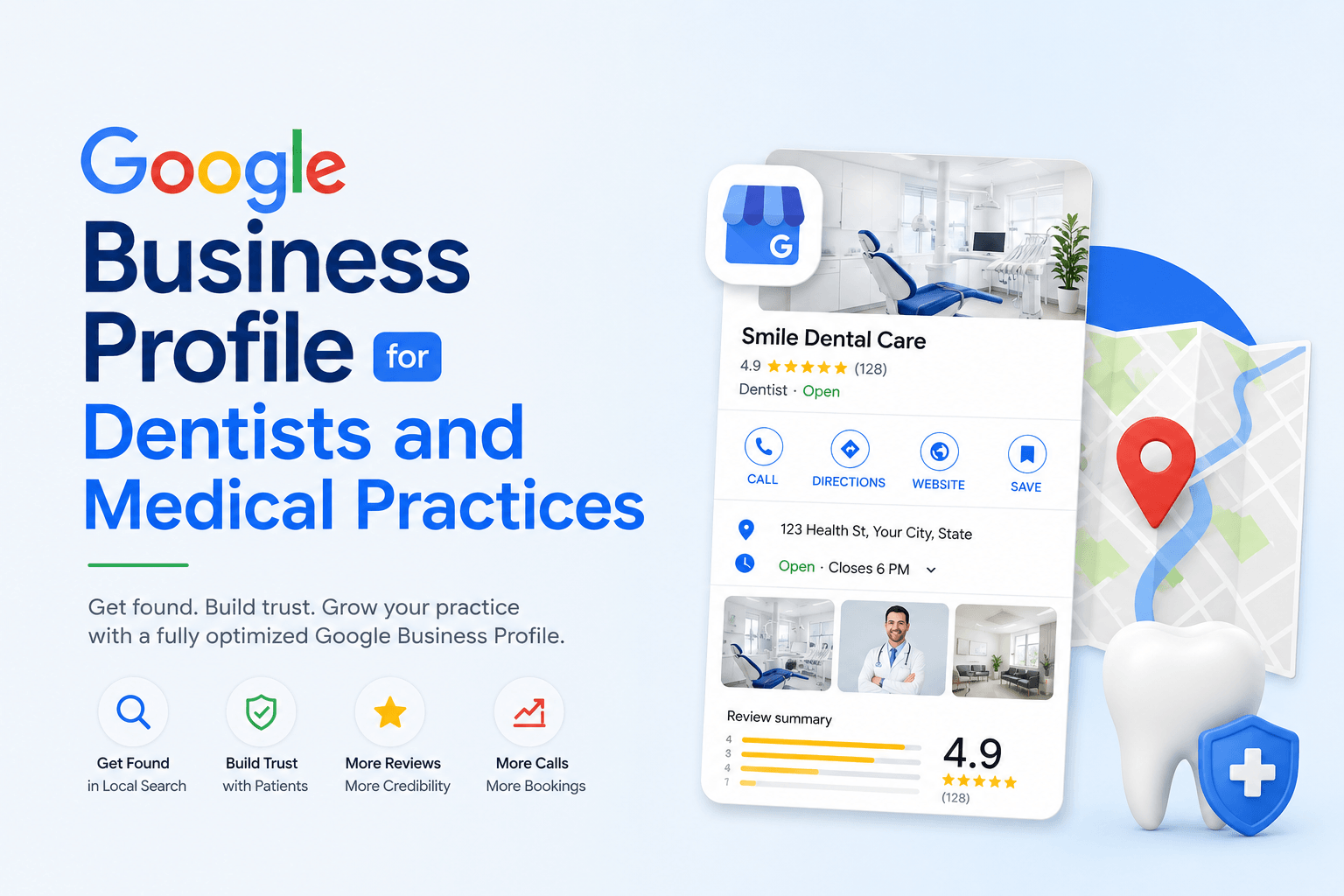
Google Business Profile for dentists searches convert at a higher rate than almost any other local marketing channel available to healthcare providers, yet most dental and medical practices still treat their listing as a digital business card rather than a ranking asset. Patients researching a new dentist, urgent care clinic, or specialist rarely start on a practice website — they start on Google Maps, comparing star ratings, photos, and proximity before a single click ever reaches a landing page. For a healthcare practice, that first impression on the map pack often decides whether a patient calls at all.
Why Google Business Profile Is the Most Undervalued Growth Channel for Healthcare Providers
Healthcare falls squarely inside Google’s Your Money or Your Life (YMYL) content classification, which means the algorithm applies a stricter EEAT signalling standard to medical and dental listings than it does to a typical retail business. The practical effect: a practice with strong experience, expertise, authoritativeness, and trust signals — verified credentials, consistent NAP data, genuine patient reviews, accurate specialty categories — earns a level of prominence scoring that a poorly maintained profile simply cannot match, regardless of ad spend. This is also why the Local Pack for searches like “dentist near me” or “pediatric dentist [city]” tends to be dominated by a small number of practices that treat their Google Business Profile as core infrastructure rather than an afterthought.
The opportunity compounds over time. A profile with strong entity coherence — matching data across the website, GBP, and every health directory it appears on — becomes progressively harder for a newer competitor to displace, which is precisely why practices should approach this the same way they’d approach broader Search Engine Optimization (SEO): as a compounding asset, not a one-time setup task.
Setting Up a Google Business Profile for a Dental or Medical Practice
Practices that are new to Google Business Profile altogether should first work through our Google Business Profile Optimization: The Complete 2026 Guide, which covers foundational setup, before layering on the healthcare-specific tactics below.
Choosing the Right Primary and Secondary Category
Category selection is the single highest-leverage decision in the entire setup process, because Google uses it as the primary relevance signal for matching a healthcare listing to a search query. A general dental practice should set “Dentist” as the primary category, then layer specialty-specific secondary categories such as “Cosmetic Dentist,” “Pediatric Dentist,” or “Emergency Dental Service” only when those services are genuinely offered on-site. Medical practices follow the same logic: a family clinic should choose “Family Practice Physician” or “Medical Clinic” as primary, then add “Urgent Care Clinic” or “Walk-In Clinic” as secondary categories where accurate. Over-tagging categories that don’t reflect real services is one of the fastest ways to dilute entity coherence and confuse Google’s understanding of what the practice actually does.
| Practice Type | Recommended Primary Category | Common Secondary Categories |
| General Dentistry | Dentist | Cosmetic Dentist, Teeth Whitening Service |
| Pediatric Dentistry | Pediatric Dentist | Dentist (if treating adults too) |
| Orthodontics | Orthodontist | Dentist, Cosmetic Dentist |
| Emergency Dental Care | Emergency Dental Service | Dentist |
| Family Medicine | Family Practice Physician | Medical Clinic |
| Urgent Care | Urgent Care Clinic | Walk-In Clinic, Medical Clinic |
| Specialist Physician | Specific specialty (e.g., Dermatologist) | Medical Clinic |
Verification and Location Accuracy
Healthcare practices should complete verification through video or the Google Business Profile app rather than postcard mail, since postcards frequently arrive at a front desk and get set aside by staff unfamiliar with the process, quietly stalling a listing for weeks. Suite and floor numbers matter more in medical buildings than almost anywhere else — a patient who can’t find the entrance on the first visit rarely gives the practice a second chance, and Google treats persistent “can’t find this place” signals as a soft ranking penalty.
NAP Consistency Across Health-Specific Directories
NAP consistency (name, address, phone) matters more for healthcare than almost any other vertical, because patients and Google both cross-reference practice data against directories like Healthgrades, Zocdoc, Vitals, and the WebMD Physician Directory. A mismatched suite number or an outdated phone number on even one of these citation sources creates the kind of entity ambiguity that a broader Local SEO strategy needs to resolve before rankings can stabilize — healthcare directories simply carry more weight in that citation ecosystem than general business directories do.
The Ranking Signals That Actually Move Dental and Medical Listings
Local ranking in Google Maps comes down to three core factors — proximity, relevance, and prominence — but healthcare searches weight these differently than a typical retail or restaurant query, largely because patients tolerate a wider search radius for a trusted provider. For a deeper breakdown of how these three factors interact, our GBP Ranking Signals Explained guide covers proximity, relevance, and prominence in more depth than we can here.
| Ranking Signal | What It Means for Healthcare | Priority |
| Category Relevance | Exact-match specialty categories outweigh generic ones | High |
| Review Velocity | Steady, ongoing reviews outperform occasional bursts | High |
| NAP Consistency | Directory-wide accuracy across Healthgrades, Zocdoc, Vitals | High |
| Geo-Grid Visibility | Ranking consistency across surrounding neighborhoods, not just HQ | Medium |
| Keyword Co-occurrence | Terms like “accepts [insurance]” or “same-day appointment” in posts/Q&A | Medium |
| Photo Freshness | Recently uploaded, geotagged interior/exterior photos | Medium |
| Website & Schema Match | LocalBusiness/Medical schema matching GBP data exactly | Medium |
Optimizing GBP Attributes and Business Information for Patient Trust
Attributes are where a healthcare listing earns or loses trust before a patient ever picks up the phone:
- Insurance accepted — list major carriers explicitly rather than “call for details,” since insurance is frequently the deciding factor in which practice a patient chooses.
- Accessibility — wheelchair-accessible entrance, restroom, and parking attributes should be enabled if accurate; omitting them filters out patients who rely on this information to choose a provider.
- Online appointment booking — a direct booking link reduces phone-tag and is one of the few attributes Google visibly surfaces in the Local Pack.
- Telehealth / virtual care — note it in the business description and in GBP Posts, since a dedicated attribute isn’t available in every country.
- Languages spoken — critical for multilingual patient bases and a meaningful relevance signal for language-specific queries.
- Accurate hours — walk-in-friendly practices should say so explicitly; appointment-only practices should make that clear to avoid a wasted trip and a frustrated one-star review.
Managing Multi-Practitioner and Multi-Location Listings
Group practices with several dentists or physicians under one roof should almost always consolidate into a single Google Business Profile rather than creating a profile per provider, since splitting review velocity and citation signals across multiple thin profiles at the same address tends to weaken prominence scoring for all of them. Separate profiles only make sense when an associate provider sees patients independently under their own NPI at a distinct suite, floor, or schedule that Google can verify as a genuinely separate place of business. Multi-location groups can also reference our Google Business Profile for Restaurants guide for a comparable framework, since the duplicate-listing avoidance principles for multi-location restaurant groups and multi-provider clinics follow the same underlying logic.
Google Reviews for Dental and Medical Practices: A Compliance-First Approach
Review generation for healthcare carries a constraint most other industries don’t face: any response that confirms a patient relationship or references a specific treatment risks exposing protected health information. Practices should adopt response templates that thank the reviewer generically, avoid confirming they were ever a patient, and invite further conversation offline rather than in a public thread. The mechanics of a compliant request system otherwise mirror the broader framework in How to Get More Google Reviews, adapted here for the extra privacy constraints healthcare providers operate under — timed post-visit requests, no incentivized reviews, and no review-gating that filters unhappy patients away from Google specifically.
| ⚠ Compliance Note: Never reply to a Google review in a way that confirms someone was a patient or references a diagnosis, procedure, or appointment date. A generic, warm acknowledgment protects both the patient’s privacy and the practice from a HIPAA complaint. |
GBP Posts and Content Strategy for Patient Acquisition
A cadence of one to two GBP Posts per week works well for most practices. Effective post topics include new-patient availability, updated insurance partnerships, provider spotlights, expanded hours, and general patient education framed carefully enough to avoid implying a specific medical outcome. Posts that lean on outcome claims (“guaranteed results,” “pain-free procedure”) sit uncomfortably close to the kind of language Google’s YMYL guidelines scrutinize most, so practical, factual framing performs better both for compliance and for click-through.
LocalBusiness and Medical Schema Markup for Additional Context
Structured data reinforces what the Google Business Profile already states. Dentist, Physician, and MedicalBusiness schema types (JSON-LD) on the practice website should mirror the GBP listing exactly — same name, address, phone, hours, and accepted insurance where applicable. Mismatched schema is a quiet but real drag on entity coherence, since it signals to Google that the two sources describing the same business don’t fully agree with each other.
Common Mistakes Dental and Medical Practices Make With GBP
- Leaving the primary category as generic “Doctor” or “Dentist” when a more specific specialty category is available and more accurate.
- Creating a separate profile for every associate provider at the same address, fragmenting review velocity.
- Responding to negative reviews in a way that inadvertently confirms a patient relationship.
- Letting NAP data drift out of sync across Healthgrades, Zocdoc, and Vitals after an office move or number change.
- Leaving insurance information vague (“contact us”) instead of listing accepted carriers directly on the profile.
- Posting infrequently, so the profile looks abandoned to both patients and Google’s freshness signals.
| ✓ Quick Win: Audit your NAP data across Healthgrades, Zocdoc, Vitals, and your own website this week. A single inconsistent phone number or suite number across even one of these sources is often the fastest fix available to unstick a stalled ranking. |
Frequently Asked Questions
1. Can dentists and medical practices use one Google Business Profile for multiple providers?
Yes, in most cases. A group dental or medical practice should maintain a single profile for the practice location, since splitting review velocity and citation signals across multiple provider-level profiles at the same address typically dilutes prominence scoring rather than strengthening it. Separate profiles are only appropriate when an associate provider operates independently under their own NPI at a distinct suite or schedule.
2. Does responding to Google reviews violate HIPAA for a medical practice?
It can, if the response confirms that the reviewer is a patient or references any treatment detail. A compliant response acknowledges the feedback generically, thanks the person for taking the time to write it, and invites further discussion offline, without confirming a patient relationship or discussing care.
3. What GBP category should a pediatric dentist choose?
“Pediatric Dentist” should be the primary category whenever it exists as an option in the practice’s country, with “Dentist” added as a secondary category only if the practice also treats adult patients.
4. How many Google reviews does a dental practice need to rank in the Local Pack?
There is no fixed threshold. Review count matters less than review velocity, recency, and how closely the practice’s review volume compares to the other listings already ranking for the same query in that geo-grid.
5. Can a medical practice list telehealth or virtual care services on its Google Business Profile?
Yes. Telehealth can be noted in the business description, highlighted through GBP Posts, and referenced in the appointment link, though GBP does not currently offer a dedicated telehealth attribute in every country, so clarity in the description and posts carries more weight.
6. Should each associate dentist at a group practice have their own Google Business Profile?
Generally no. Individual associate profiles are best reserved for providers who see patients independently at a different location or under a separate legal entity; otherwise, consolidating authority into one practice profile produces stronger entity coherence.
7. How often should a medical practice post updates on Google Business Profile?
A cadence of one to two GBP Posts per week is sufficient for most practices, focused on new-patient availability, insurance updates, and service announcements rather than promotional content that could read as making implied medical claims.

No responses yet