
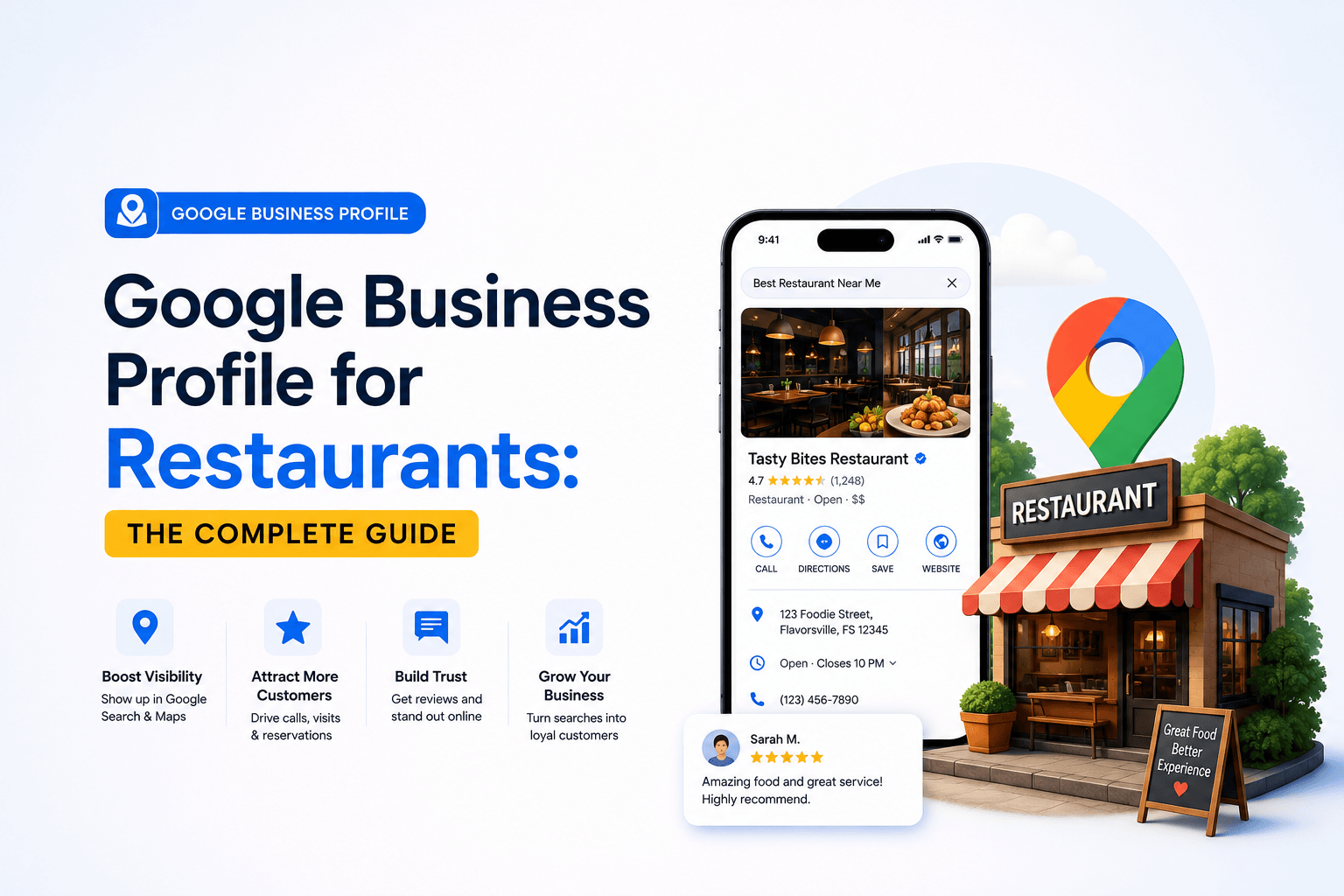
Your Google Business Profile restaurant listing is often the very first impression a hungry customer forms of your business — long before they open your menu or click through to your website. For restaurants specifically, GBP isn’t a passive directory entry; it’s a live, searchable storefront that shapes whether someone chooses your dining room over the competitor three blocks away.
Restaurants live and die by moment-of-intent search behavior — “pizza near me,” “restaurants open now,” “best brunch nearby.” These are high-conversion, low-consideration searches, and Google answers almost all of them from the Local Pack and Google Maps, not the traditional organic results. That makes your Google Business Profile the single highest-leverage local SEO asset a restaurant owns, more decisive than the website itself for foot traffic and phone calls.
This guide walks through every layer of restaurant-specific GBP optimization: category selection, verification, menu and ordering integrations, photo strategy, Posts, Q&A, review management, and the exact ranking signals — proximity, relevance, and prominence — that determine whether you show up in the Local Pack at all. If you haven’t yet covered the fundamentals, start with the Google Business Profile Optimization: The Complete 2026 Guide, then come back here for the restaurant-specific playbook layered on top of it.
Are you working in restaurant industry, ang faces difficulties in Google ranking
Let’s connect to bring your profile ahead of the competitors
Click a button below to talk or chat with us
Why Google Business Profile Matters More for Restaurants Than Almost Any Other Business Type
Restaurant discovery is overwhelmingly local-intent and mobile-first. A diner deciding where to eat tonight rarely types a brand name — they search a dish, a cuisine, or a neighborhood, and Google resolves that query almost entirely through the Local Pack and Maps results. That single behavioral pattern is why restaurant GBP entity optimization carries disproportionate weight compared to, say, a B2B service business where search intent is slower and more research-driven.
Three factors make restaurants unique inside the GBP ecosystem:
| Why Restaurants Behave Differently in Local Search • Decision windows are short — most “food near me” searches convert to a visit within the hour, so incomplete hours or stale info directly cost covers. • Visual decision-making dominates — diners choose based on food photography and ambience before they choose based on price or copy. • Review velocity compounds fast — restaurants generate reviews at a far higher rate than most SMB categories, which means reputation signals shift week to week, not year to year. |
Because of this velocity, restaurant profiles reward continuous management far more than a “set it and forget it” approach. For the foundational mechanics of on-page and off-page factors that support this entity — schema, citations, and site-level relevance — see Search Engine Optimization (SEO): How Websites Rank on Google for the underlying framework this guide builds on.
Setting Up Your Restaurant’s Google Business Profile the Right Way
If your restaurant doesn’t yet have a verified profile, walk through How to Set Up Google Business Profile from Scratch (Step-by-Step) first — the process below assumes verification is complete and focuses on the decisions that matter specifically for food-service businesses.
Choosing the Correct Primary and Secondary Categories
Category selection is consistently cited as one of the heaviest-weighted Local Pack ranking signals, and restaurants have unusually granular category options — “Italian Restaurant” outperforms the generic “Restaurant” category for cuisine-specific queries because it improves entity coherence between your listing and the searcher’s intent. Set your most searched cuisine or format as the primary category, then layer in secondary categories for real, offered use cases: Delivery Restaurant, Caterer, Bar, or Breakfast Restaurant, for example.
NAP Consistency and Multi-Location Verification
Restaurant groups with multiple locations face a specific NAP consistency SEO problem: a franchise or multi-outlet brand often has near-duplicate name variations across delivery aggregators (Uber Eats, DoorDash, Google Maps, Yelp), which fragments prominence scoring across otherwise identical entities. Standardize the exact business name, address format, and phone number across every platform before investing further in on-profile optimization — inconsistent citations quietly cap how high even a well-optimized location can rank.
Restaurant-Specific GBP Attributes That Influence Rankings and Clicks
Beyond the standard profile fields, Google surfaces a set of restaurant-only attributes and integrations that materially affect both ranking (via relevance signals) and click-through rate (via conversion-focused UI elements like the menu button and reservation link). Treat every row below as a required field, not an optional extra.
| Attribute / Feature | Why It Matters | Optimization Tip |
| Menu link / Menu URL | Signals relevance for dish- and cuisine-specific queries; keeps users on-profile longer | Link a mobile-friendly, text-based menu page — not a PDF or image-only file |
| Order online / Reservation links | Directly reduces friction between discovery and conversion | Connect a verified ordering or reservation partner rather than leaving this blank |
| Service options | Matches searcher intent (dine-in vs. takeout vs. delivery vs. curbside) | Enable every option you genuinely offer — mismatches hurt relevance |
| Attributes (outdoor seating, accessibility, price range) | Filters and long-tail queries rely heavily on attribute data | Complete every applicable attribute, not just the obvious ones |
| Popular Times | Influences both user decisions and, per BrightLocal research, correlates with visibility | Cannot be edited directly, but accurate hours and consistent foot traffic improve its accuracy |
Optimizing Restaurant Photos, Menus, and Posts for Maximum Engagement
Food is a visually-driven purchase decision, which makes photo strategy disproportionately important for restaurant GBP entity optimization compared to almost any other vertical. For the full framework on image sizing, categorization, and upload cadence, see GBP Photos: The Complete Guide to Images That Drive Clicks. A few restaurant-specific priorities worth calling out directly:
| Restaurant Photo Priorities • Upload genuine dish photography, not stock imagery — Google’s own visibility studies consistently favor profiles with frequent, authentic image uploads. • Categorize images correctly (food, drinks, interior, exterior, menu, team) so Google can surface the right photo type for each query. • Refresh seasonal or limited-time dishes promptly — stale imagery signals an inactive, lower-prominence profile. |
GBP Posts function as a lightweight content-marketing channel directly inside the Local Pack and Maps results. For restaurants, the highest-performing post types are limited-time offers, new menu items, and event promotions (live music, holiday hours, private dining availability) — each posted with a clear CTA and, where possible, a direct link back to the relevant menu or booking page.
Google Reviews and Reputation Signals for Restaurants
Review velocity — the rate at which new reviews accumulate — is one of the fastest-moving prominence signals in the entire GBP ranking model, and restaurants generate it faster than almost any other business category simply due to daily transaction volume. That speed is an advantage if you manage it deliberately, and a liability if you ignore it.
Three practices consistently move the needle for restaurant reputation management: replying to every review (positive and negative) within 24–48 hours to signal active management; prompting satisfied guests for a review at the natural high point of the visit — as the check is settled, not the next day by email; and monitoring review content for recurring operational complaints, since Google’s review-mining systems weight EEAT signalling partly on the substance and consistency of what customers are actually saying about the business.
This directly overlaps with the broader discipline of Local SEO for Small Businesses: Rank on Google Maps and Get Local Clients, which covers the citation ecosystem and geo-grid rank tracking fundamentals that reinforce everything reviews contribute to prominence scoring.
GBP Q&A for Restaurants: Answering the Questions Customers Actually Ask
The Q&A section is one of the most underused parts of a restaurant’s Google Business Profile, largely because anyone — not just the business owner — can post a question, which means unanswered or inaccurate answers can sit live on your profile for months. Seed it proactively with the questions guests genuinely ask before booking: dietary accommodations, parking availability, reservation policy for large groups, dress code, and whether reservations are required on weekends.
For the full seeding and moderation workflow, see Google Business Profile Q&A: How to Seed Questions and Build Trust. Restaurants that keep this section current typically see a measurable drop in “quick question” phone calls, since guests self-serve the answer directly from the Maps listing.
Local SEO Ranking Signals: Proximity, Relevance, and Prominence for Restaurants
Every restaurant profile is ultimately ranked against the same three-pillar model Google uses across all Local Pack results. Understanding how each pillar applies specifically to food-service businesses clarifies where to spend optimization effort.
| Ranking Pillar | What It Measures | Restaurant-Specific Lever |
| Proximity | Physical distance between searcher and business location | Cannot be manipulated directly — accurate service-area and address data is the only lever |
| Relevance | How well the profile matches the search query | Category accuracy, menu keywords, attributes, and Q&A content |
| Prominence | Overall authority and reputation of the business | Review volume and velocity, citation consistency, backlink authority, and engagement signals |
Per BrightLocal’s Local Search Ranking Factors research, GBP signals now represent the single largest category of Local Pack ranking weight of any factor group — which means the optimization work covered in this guide isn’t a peripheral task for restaurant marketing. It is the primary local SEO lever available to most independent and multi-location restaurant brands.
Common Google Business Profile Mistakes Restaurant Owners Make
| Avoid These Restaurant GBP Errors • Running duplicate listings for the same location after a rebrand, menu overhaul, or ownership change, which splits review history and prominence signals. • Leaving holiday or special-event hours unedited, which damages trust when a customer arrives to a closed door. • Uploading only exterior or logo imagery instead of dish-level food photography. • Ignoring negative reviews instead of responding professionally and specifically. • Selecting an overly generic primary category (“Restaurant”) instead of the precise cuisine or format category available. |
Google Business Profile Optimization Checklist for Restaurants
| No | Checklist Item | Status |
| 1 | Primary category set to specific cuisine/format, not generic “Restaurant” | ☐ |
| 2 | NAP consistent across Google, delivery apps, and directories | ☐ |
| 3 | Menu linked as a mobile-friendly page, not a PDF or image | ☐ |
| 4 | Online ordering / reservation links connected and tested | ☐ |
| 5 | All applicable service options and attributes enabled | ☐ |
| 6 | Photos categorized and refreshed for seasonal menu changes | ☐ |
| 7 | Weekly or bi-weekly Posts published for offers/events | ☐ |
| 8 | Q&A section seeded with the top 5–10 real guest questions | ☐ |
| 9 | Review response workflow active for every new review | ☐ |
| 10 | Holiday/special hours updated at least 2 weeks in advance | ☐ |
Frequently Asked Questions
What is a Google Business Profile for a restaurant?
A Google Business Profile restaurant listing is the free, Google-managed entity that controls how a restaurant appears on Google Search and Google Maps — including hours, menu, photos, reviews, and booking or ordering links. It is the primary driver of local discovery for food-service businesses.
How do I set up Google Business Profile for my restaurant?
Claim or create the profile through Google, select the most specific cuisine or format category available, verify the location, and complete every restaurant-specific field — menu link, service options, and attributes — before optimizing further.
Can I add my menu to Google Business Profile?
Yes. Restaurants can link a menu URL directly on the profile, and Google also allows menu items to be added as structured entries in some regions. A mobile-friendly, text-based menu page performs better than a PDF or image file.
Does responding to reviews improve restaurant rankings?
Responding to reviews doesn’t directly move a ranking algorithm lever, but it strengthens the EEAT signalling and engagement patterns tied to prominence scoring, and it materially improves conversion rate once a searcher lands on the profile.
What GBP category should a restaurant use?
Choose the most specific accurate category available — “Italian Restaurant” or “Seafood Restaurant,” for example — rather than the generic “Restaurant” category, and add secondary categories for genuinely offered services like catering or delivery.
How often should a restaurant post updates on Google Business Profile?
Weekly is a reasonable baseline for most independent restaurants, with additional posts for time-sensitive promotions, seasonal menu launches, or events. Consistency matters more than frequency.
Why isn’t my restaurant showing up in the Google Local Pack?
The most common causes are an unverified or suspended profile, inconsistent NAP data across citation sources, an incorrect or overly broad category, or insufficient review volume relative to nearby competitors. Work through each ranking pillar — proximity, relevance, and prominence — to isolate the gap.

No responses yet